
STEP-BY-STEP GUIDE

Work with cargo, holds and tanks

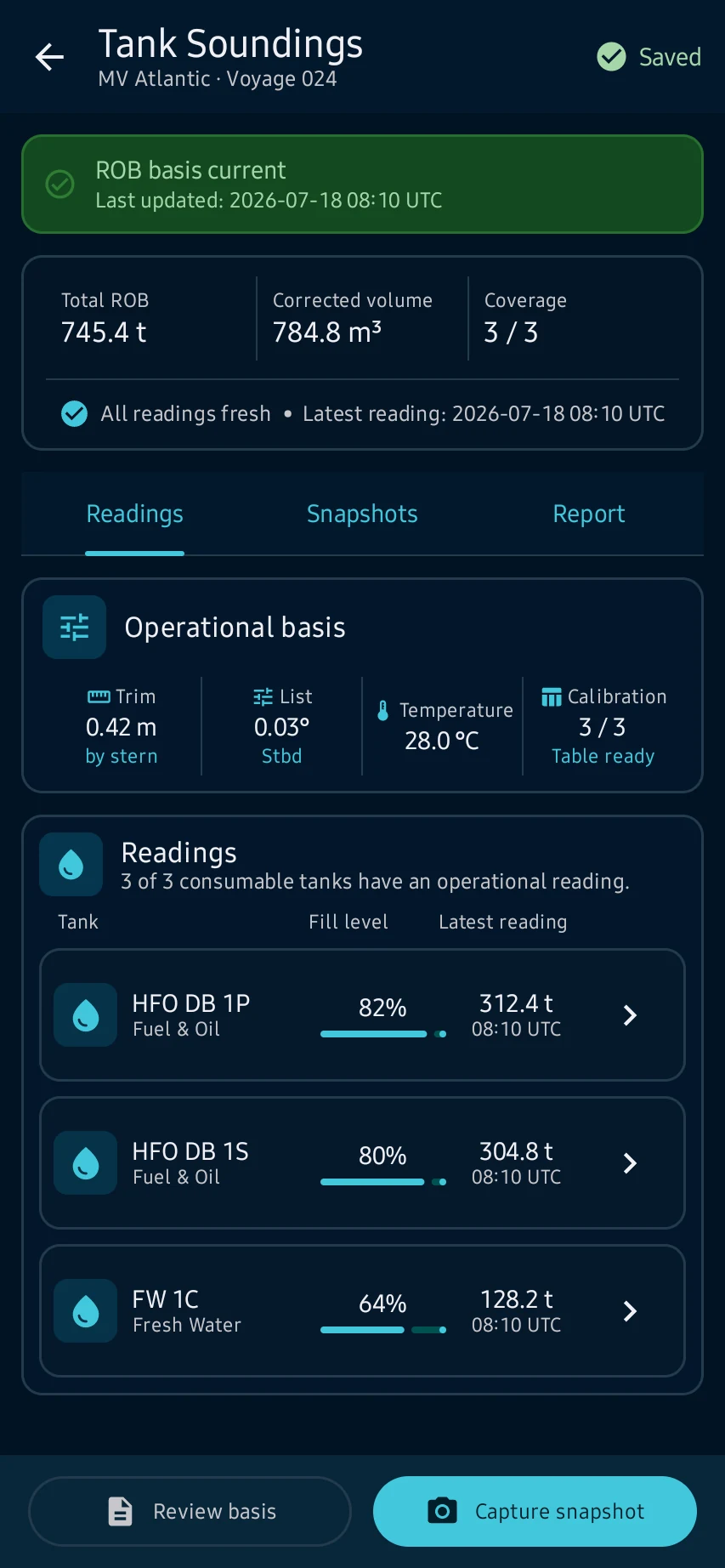
Choose the active vessel and condition, enter measured values carefully, correct highlighted issues, calculate, compare with approved criteria and save the record. Replace all example values before real work.

Before you start

Cargo or Tanks → choose the active vessel, condition, hold or tank before entering measurements.
App steps

  1. Cargo or Tanks → choose the active vessel, condition, hold or tank before entering measurements.
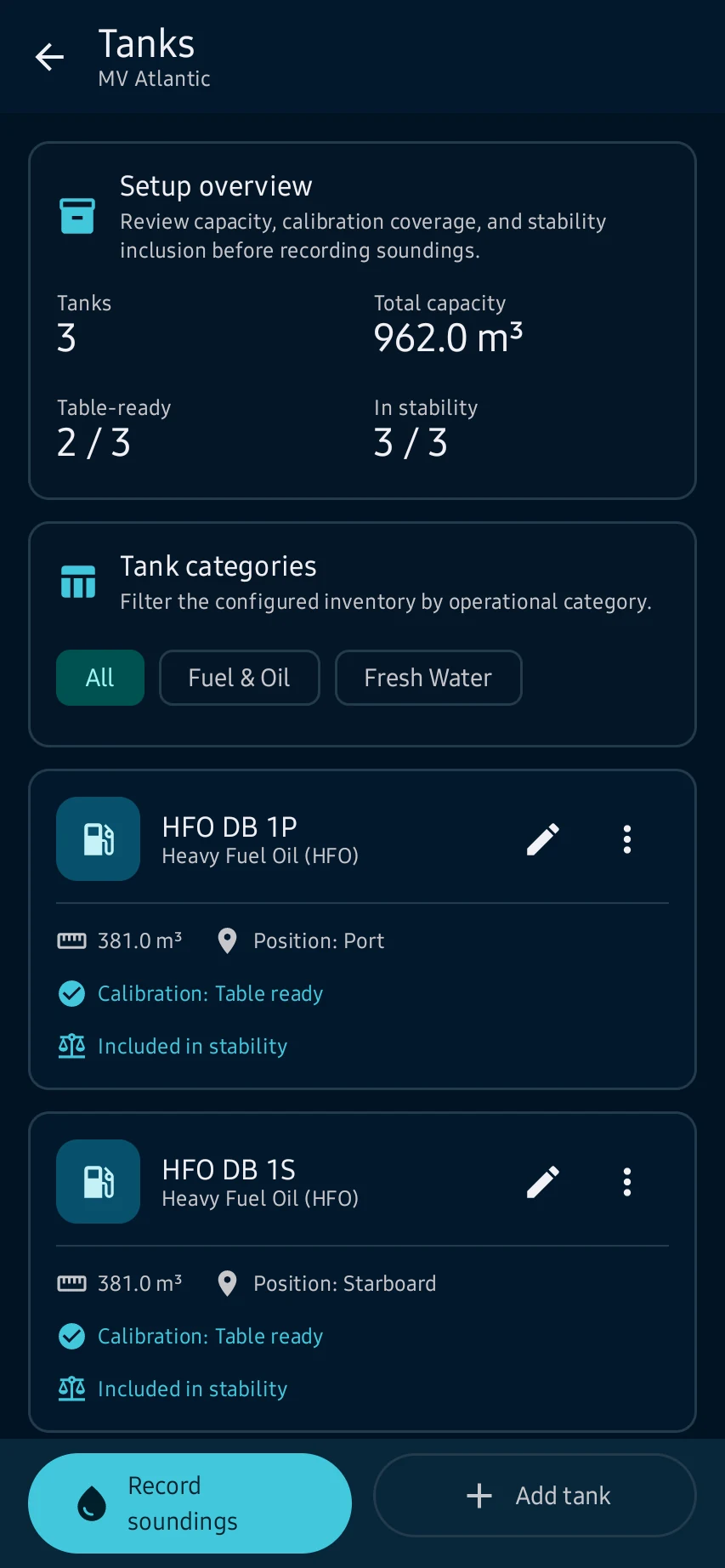
  2. Enter cargo weights and centers or tank sounding/ullage, density and temperature using approved capacity and calibration data; keep example values separate from real measurements.
  3. totals, corrections, free-surface context and the affected loading condition remain traceable to the selected records.
  4. Resolve capacity, calibration, unit and FSM-verification warnings before saving; recheck the complete condition in the approved loading system.

See the main screens

01

Cargo or Tanks → choose the active vessel, condition, hold or tank before entering measurements.
Work with cargo, holds and tanks: Cargo or Tanks → choose the active vessel, condition, hold or tank before entering measurements.
02

Enter cargo weights and centers or tank sounding/ullage, density and temperature using approved capacity and calibration data; keep example values separate from real measurements.

Work with cargo, holds and tanks: Enter cargo weights and centers or tank sounding/ullage, density and temperature using approved capacity and calibration data; keep example values separate from real measurements.
03

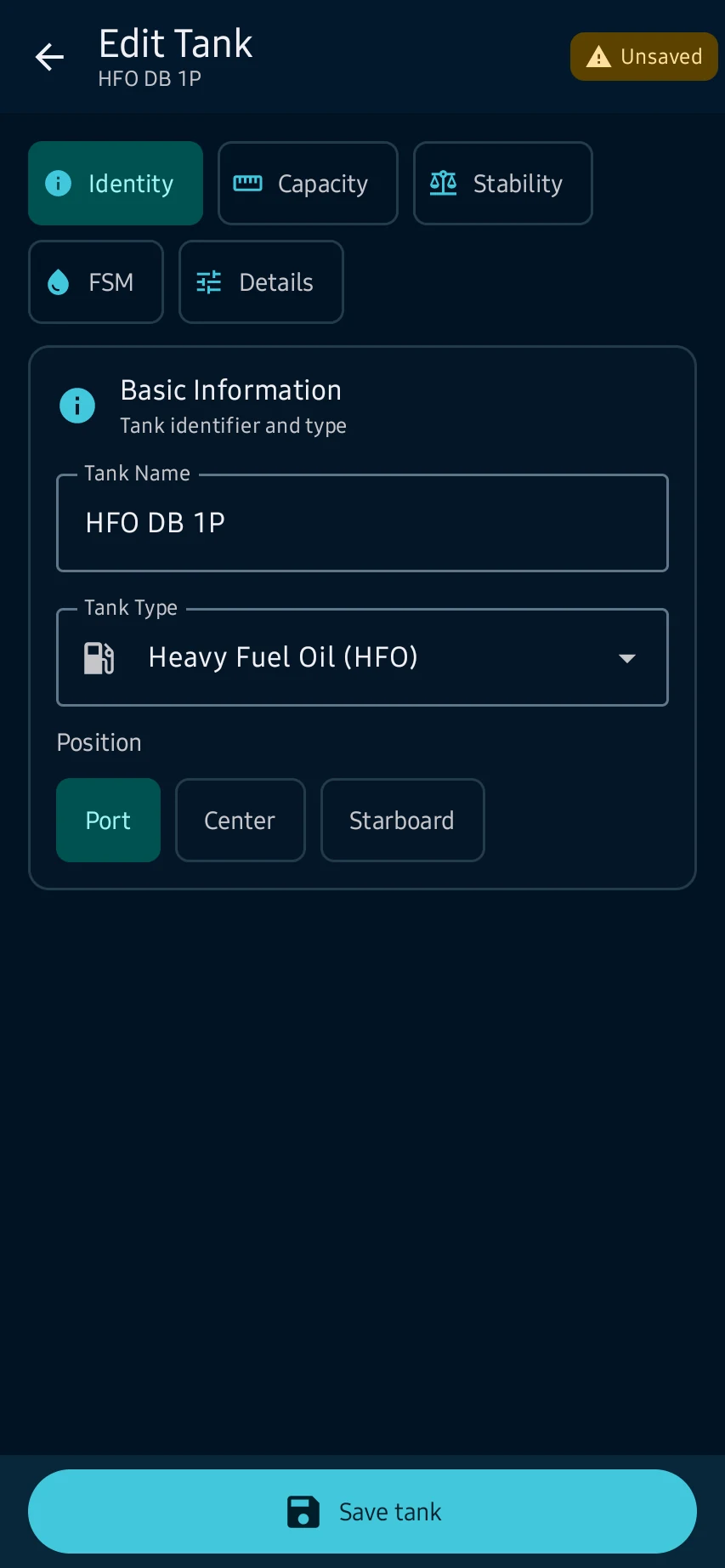
totals, corrections, free-surface context and the affected loading condition remain traceable to the selected records.

Work with cargo, holds and tanks: totals, corrections, free-surface context and the affected loading condition remain traceable to the selected records.
04

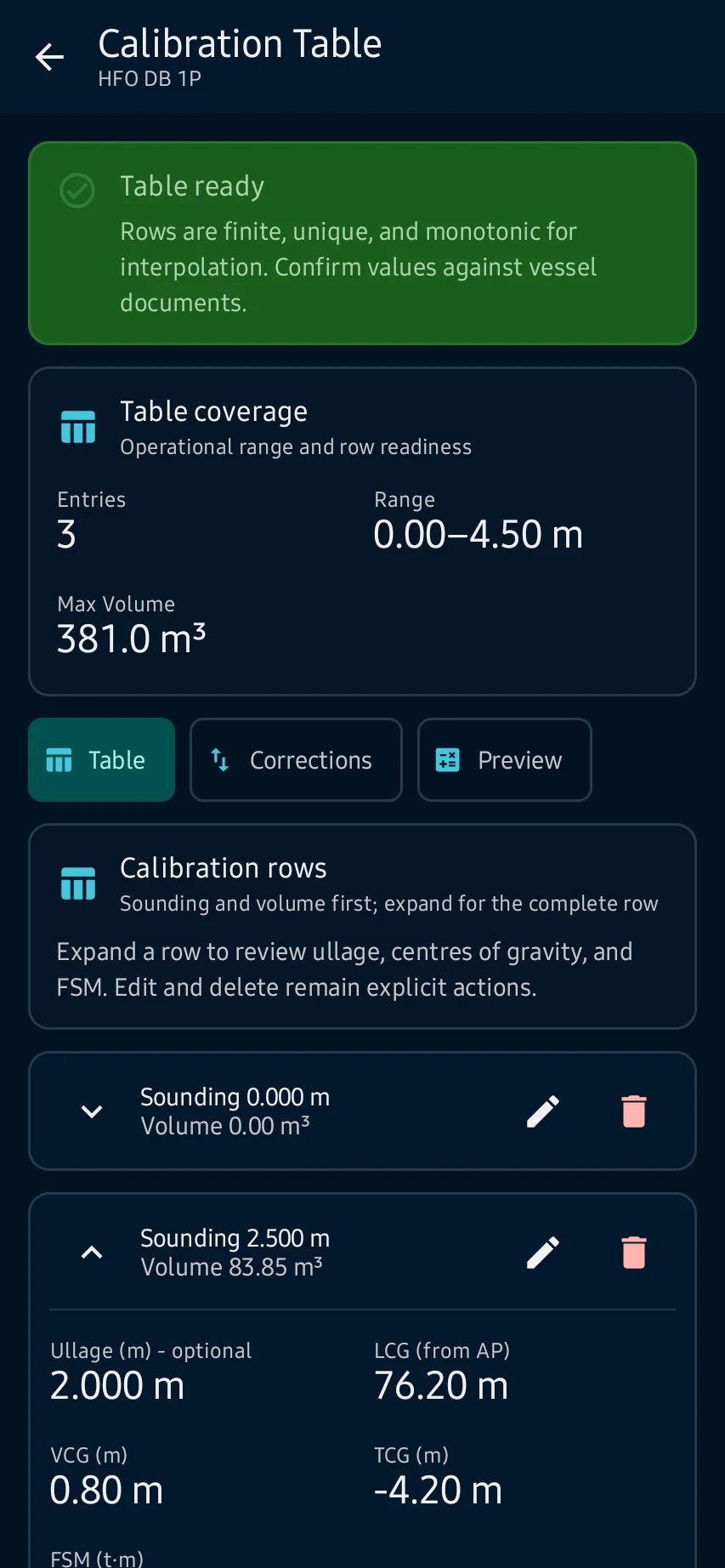
Resolve capacity, calibration, unit and FSM-verification warnings before saving; recheck the complete condition in the approved loading system.

Work with cargo, holds and tanks: Resolve capacity, calibration, unit and FSM-verification warnings before saving; recheck the complete condition in the approved loading system.

Practical learning and web tools

What you'll see

Resolve capacity, calibration, unit and FSM-verification warnings before saving; recheck the complete condition in the approved loading system.

CaptainCalc is decision support. It never replaces approved stability data, loading computers, ECDIS, official publications, procedures or professional judgment.

Get CaptainCalc on Google Play

Freemium keeps essential online tools available with ads. Premium removes ads, raises limits and unlocks the complete offline professional workspace.

Get it on Google Play