
STEP-BY-STEP GUIDE

Prepare for weak connectivity

Optional encrypted snapshots with up to 10 restore points, same-account recovery and up to 30 days of retrieval after Premium ends. Backup is not live synchronization.

Before you start

Settings → Offline Data or Offline Maps while a reliable connection and required access are available.
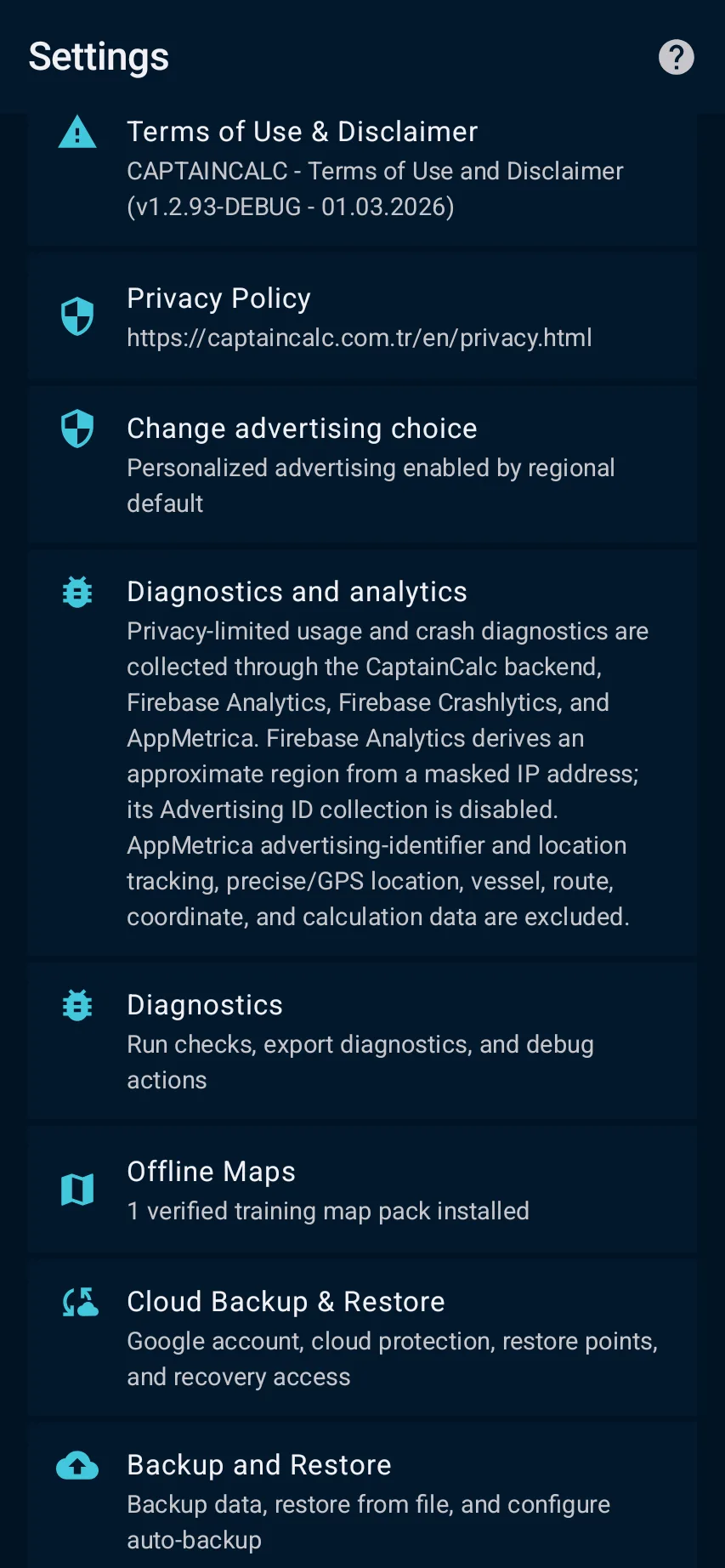
App steps

  1. Settings → Offline Data or Offline Maps while a reliable connection and required access are available.
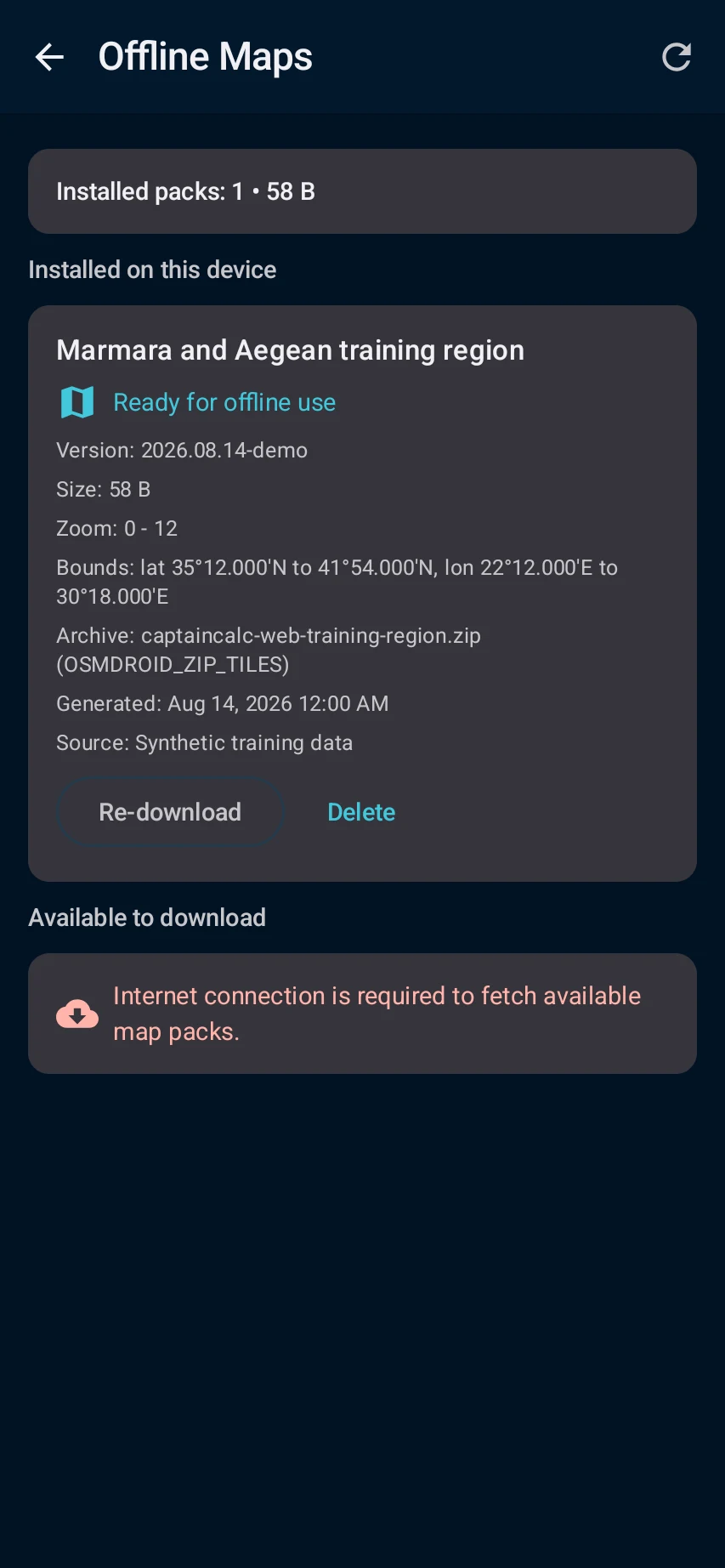
  2. Select only the supported region or data pack needed for the voyage, download it and review version, validity and verification status.
  3. installed content is listed as ready and the relevant workspace can identify the local source when connectivity is absent.
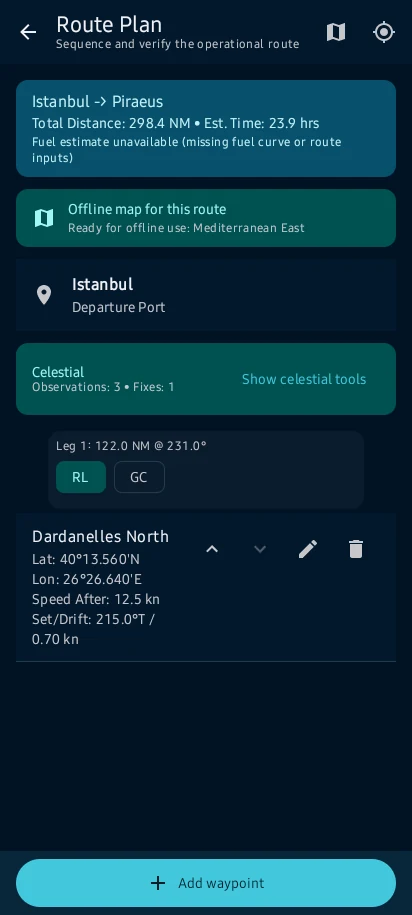
  4. Test the prepared workflow before departure. Offline availability is feature- and pack-specific; never assume a missing or expired source is current.

See the main screens

01

Settings → Offline Data or Offline Maps while a reliable connection and required access are available.

Prepare for weak connectivity: Settings → Offline Data or Offline Maps while a reliable connection and required access are available.
02

Select only the supported region or data pack needed for the voyage, download it and review version, validity and verification status.

Prepare for weak connectivity: Select only the supported region or data pack needed for the voyage, download it and review version, validity and verification status.
03

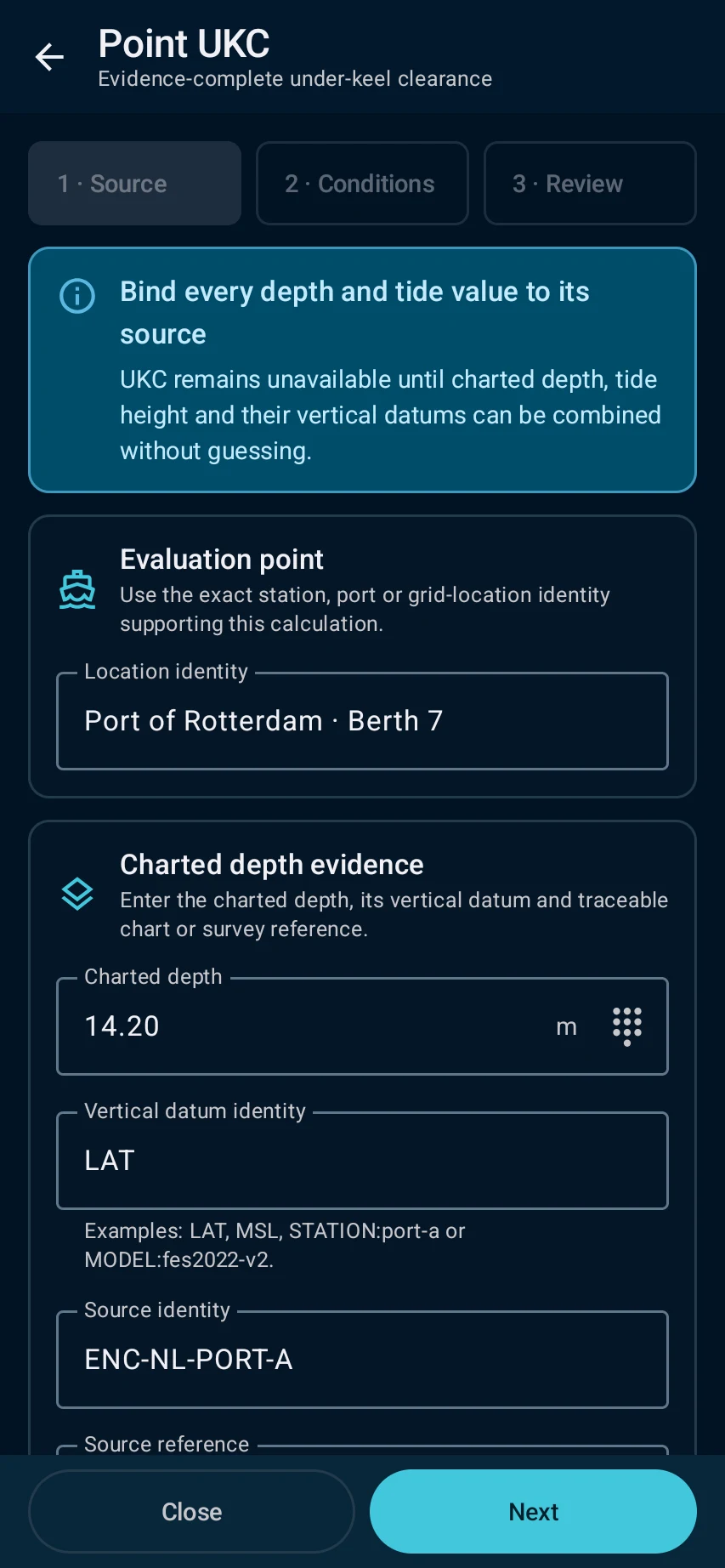
installed content is listed as ready and the relevant workspace can identify the local source when connectivity is absent.

Prepare for weak connectivity: installed content is listed as ready and the relevant workspace can identify the local source when connectivity is absent.
04

Test the prepared workflow before departure. Offline availability is feature- and pack-specific; never assume a missing or expired source is current.

Prepare for weak connectivity: Test the prepared workflow before departure. Offline availability is feature- and pack-specific; never assume a missing or expired source is current.

What you'll see

Test the prepared workflow before departure. Offline availability is feature- and pack-specific; never assume a missing or expired source is current.

CaptainCalc is decision support. It never replaces approved stability data, loading computers, ECDIS, official publications, procedures or professional judgment.

Get CaptainCalc on Google Play

Freemium keeps essential online tools available with ads. Premium removes ads, raises limits and unlocks the complete offline professional workspace.

Get it on Google Play