Open the Safety & Reference workspace, choose the correct content family, review its source and limits, and cross-check the current official publication.
Before you start
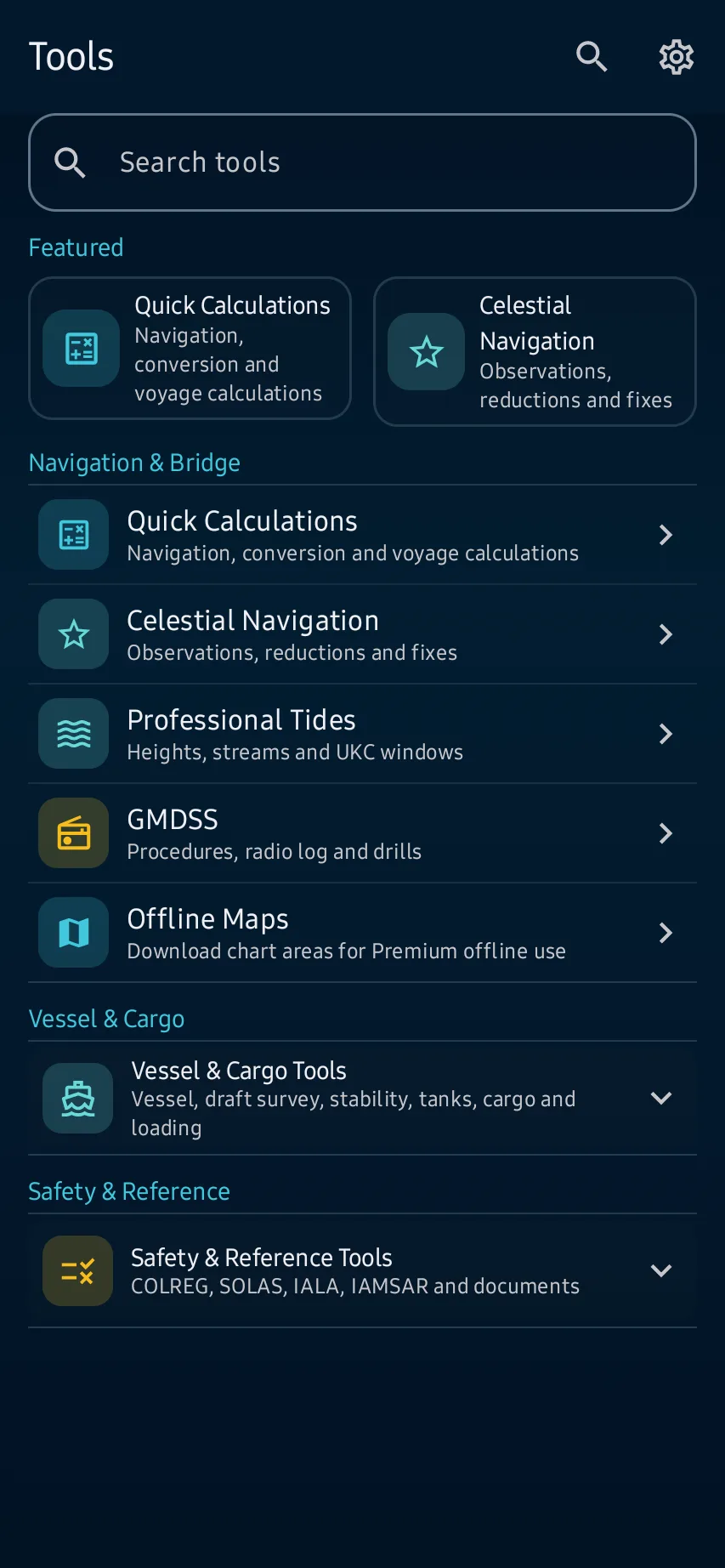
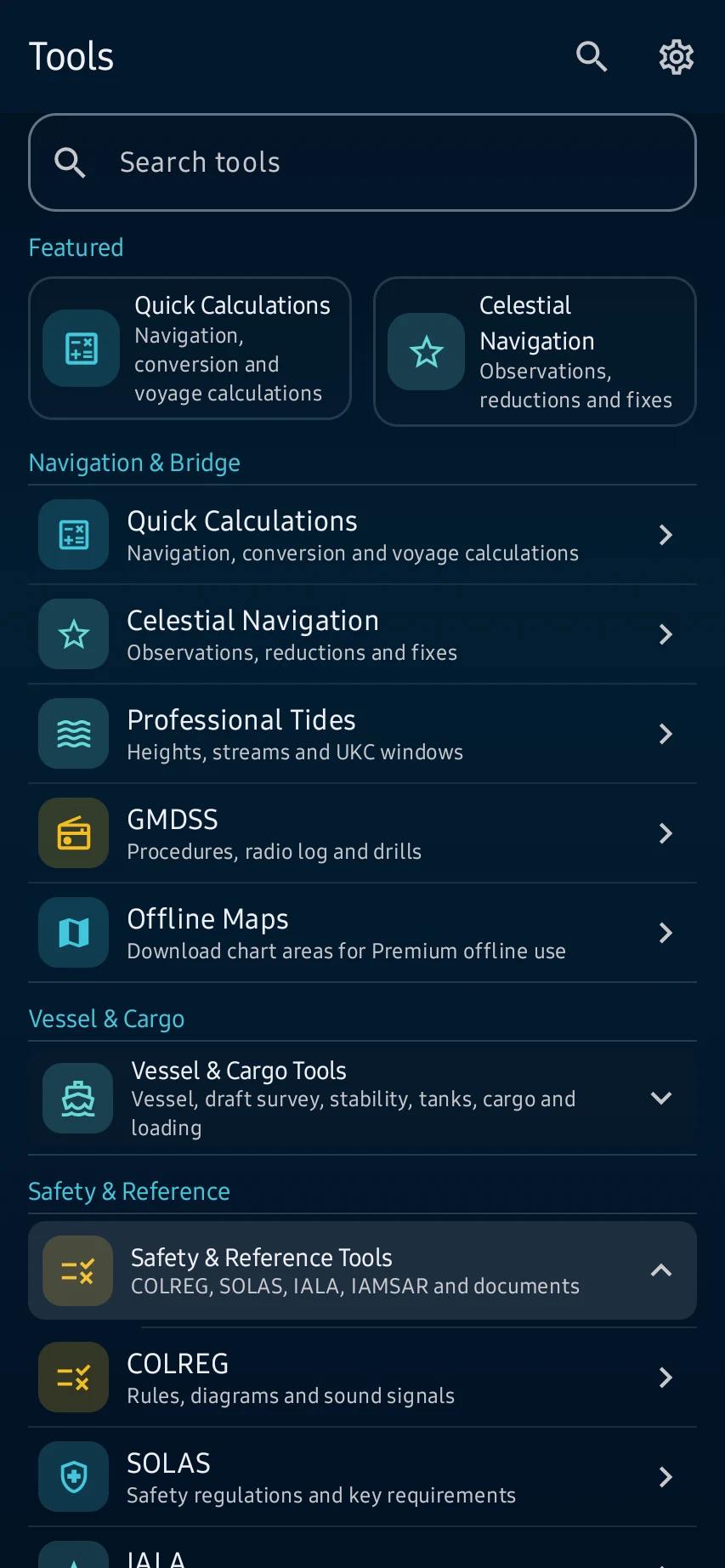
Path: Tools → Safety & Reference Tools; choose COLREG, SOLAS, IALA, IAMSAR or Documents for the subject you need.
App steps
Path: Tools → Safety & Reference Tools; choose COLREG, SOLAS, IALA, IAMSAR or Documents for the subject you need.
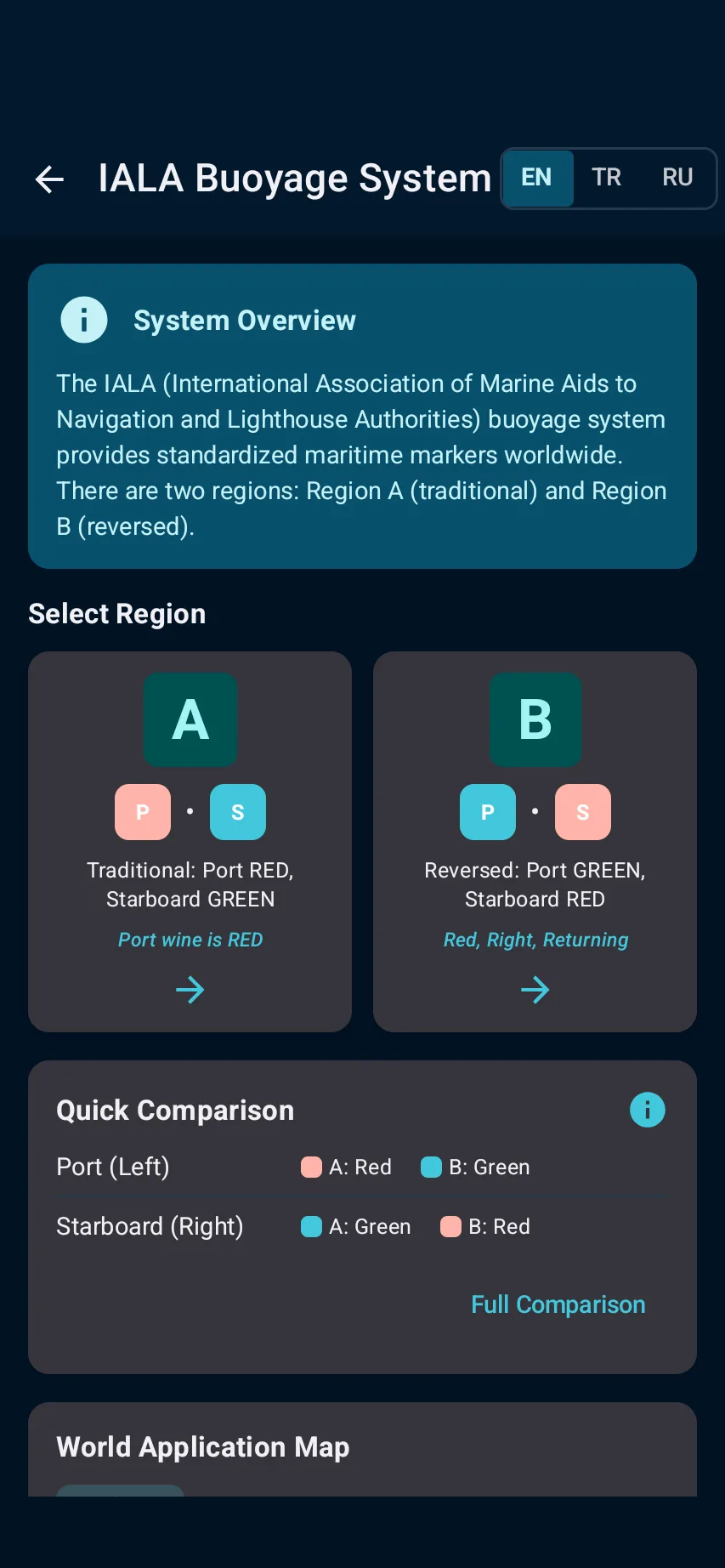
Search or open the rule, diagram, signal or checklist, then review its content family, revision context, source note and displayed limitation.
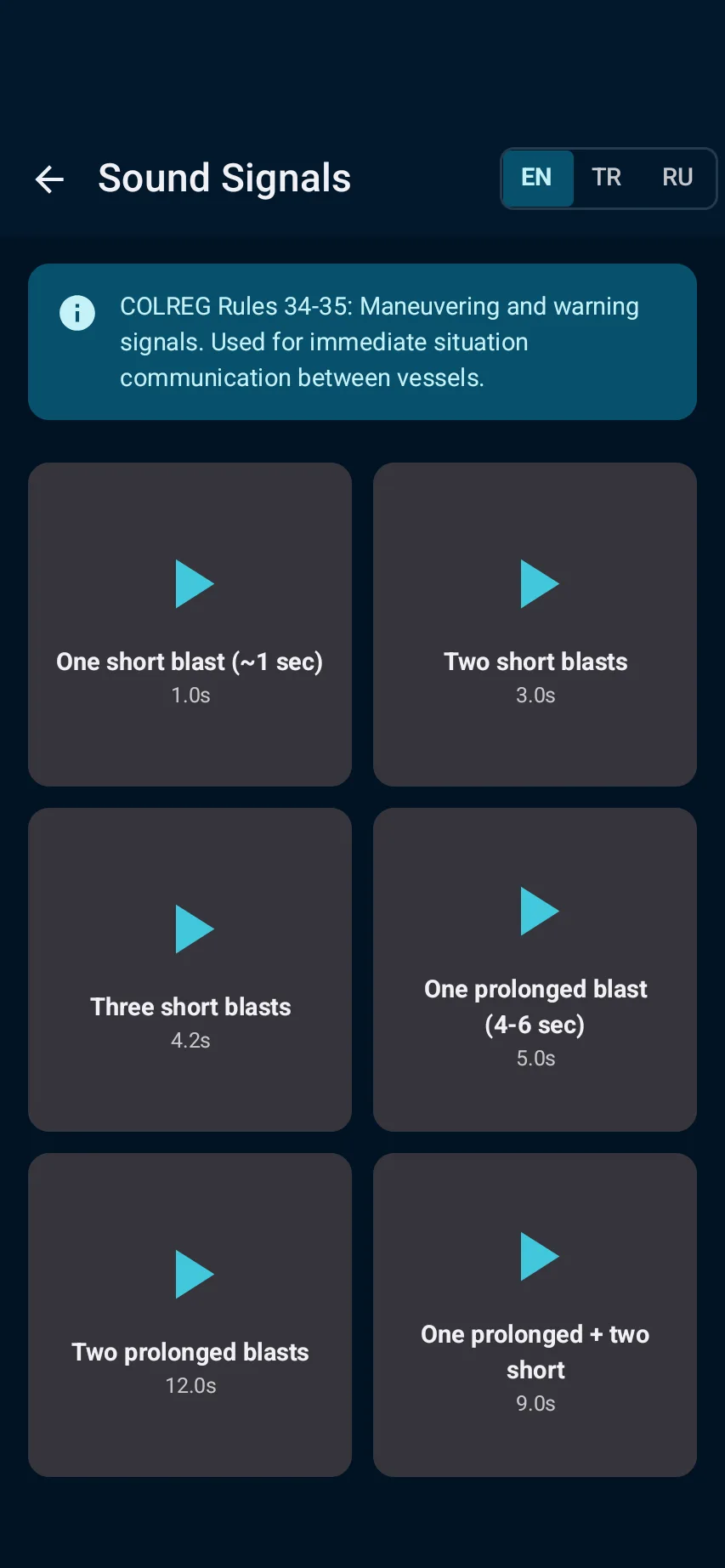
Use bookmarks, diagrams and the sound-signal simulator as learning and recall aids; the app does not replace a current official publication.
Before an operational decision, cross-check the applicable current convention, flag/port requirements and approved onboard publications.
See the main screens
01
Path: Tools → Safety & Reference Tools; choose COLREG, SOLAS, IALA, IAMSAR or Documents for the subject you need.
02
Search or open the rule, diagram, signal or checklist, then review its content family, revision context, source note and displayed limitation.
03
Use bookmarks, diagrams and the sound-signal simulator as learning and recall aids; the app does not replace a current official publication.
04
Before an operational decision, cross-check the applicable current convention, flag/port requirements and approved onboard publications.
What you'll see
Before an operational decision, cross-check the applicable current convention, flag/port requirements and approved onboard publications.
CaptainCalc is decision support. It never replaces approved stability data, loading computers, ECDIS, official publications, procedures or professional judgment.
Get CaptainCalc on Google Play
Freemium keeps essential online tools available with ads. Premium removes ads, raises limits and unlocks the complete offline professional workspace.