Choose the active vessel and condition, enter measured values carefully, correct highlighted issues, calculate, compare with approved criteria and save the record. Replace all example values before real work.
Before you start
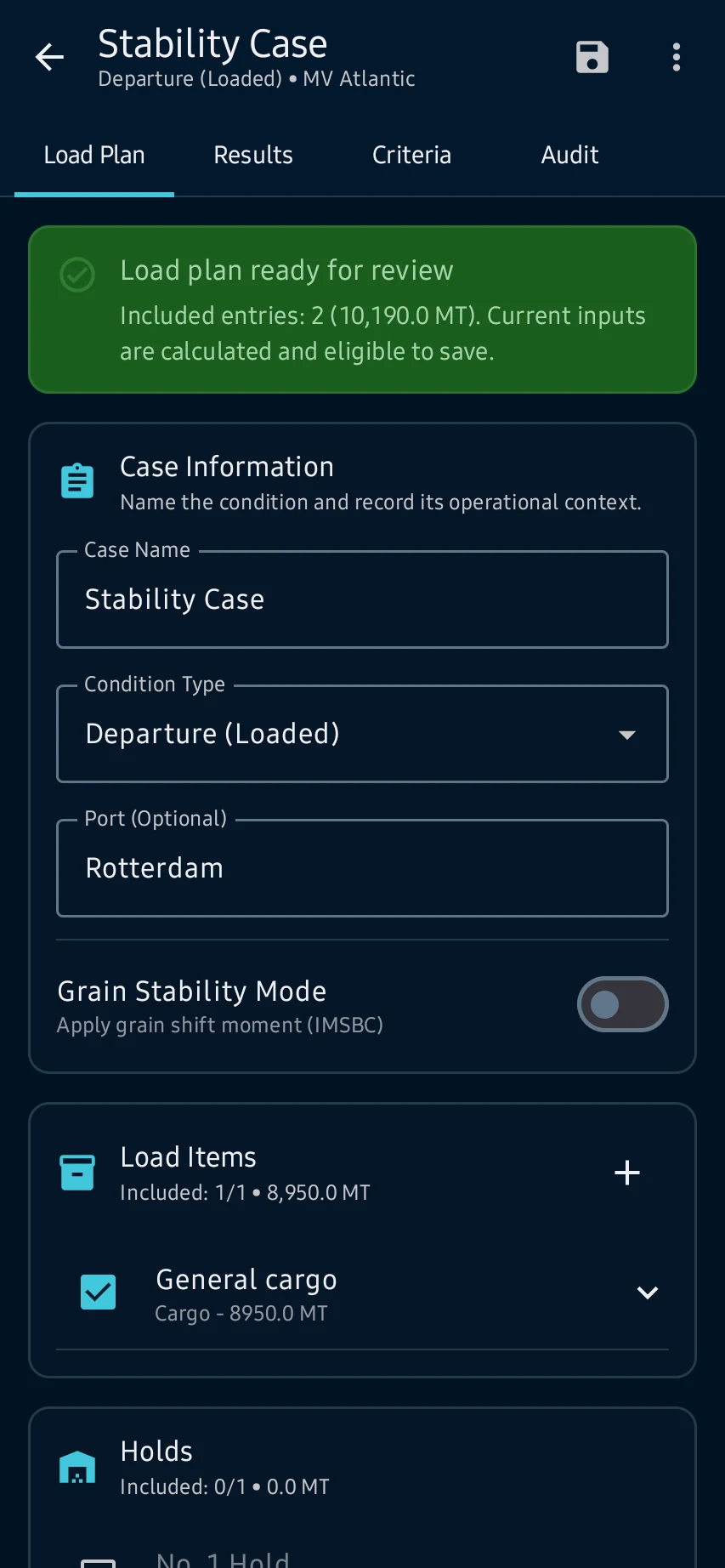
Load Plan: open Stability, select the active vessel and case, then review entered weights, centers, tanks, hydrostatic source and readiness messages.
App steps
Load Plan: open Stability, select the active vessel and case, then review entered weights, centers, tanks, hydrostatic source and readiness messages.
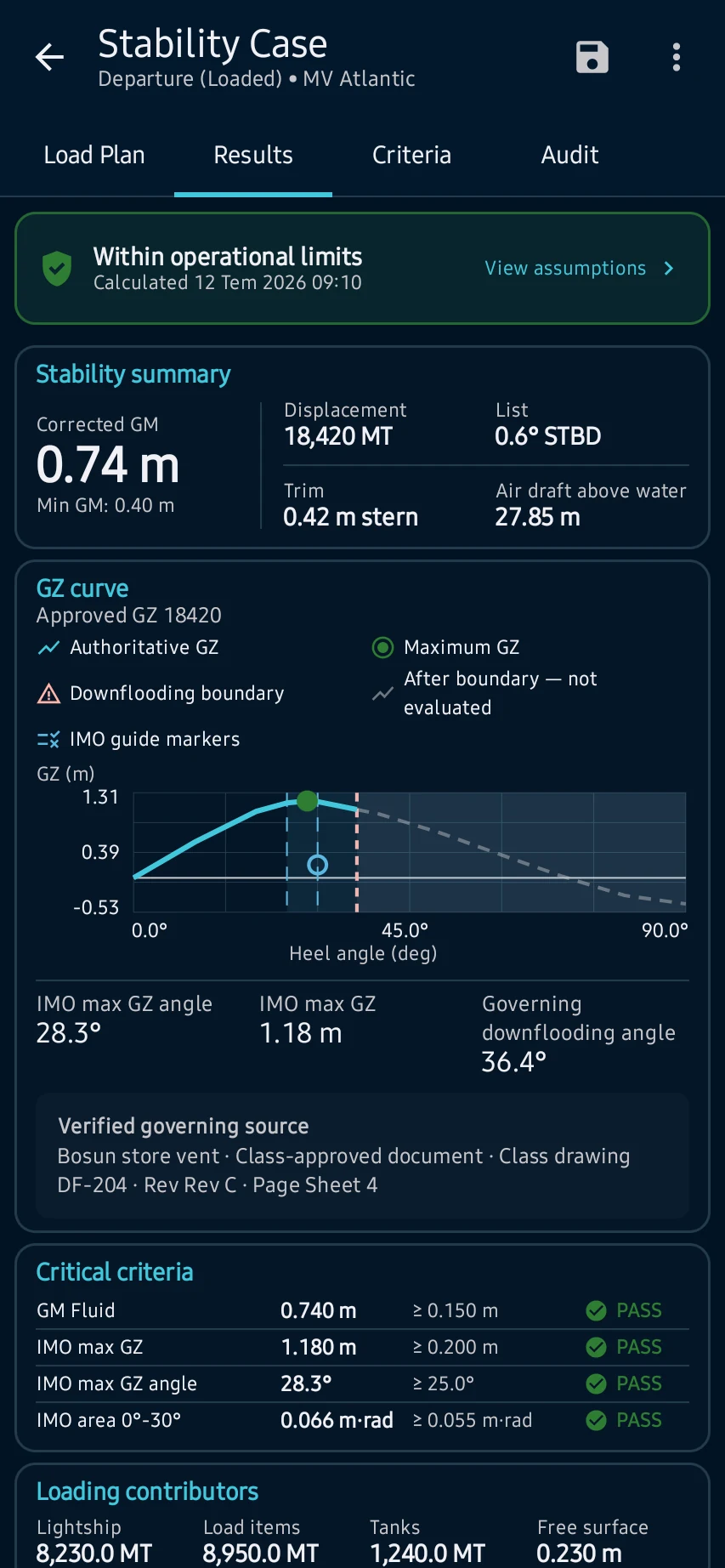
Results: calculate the condition and review displacement, KG, corrected GM, GZ curve, assumptions, contributors and any operational warning.
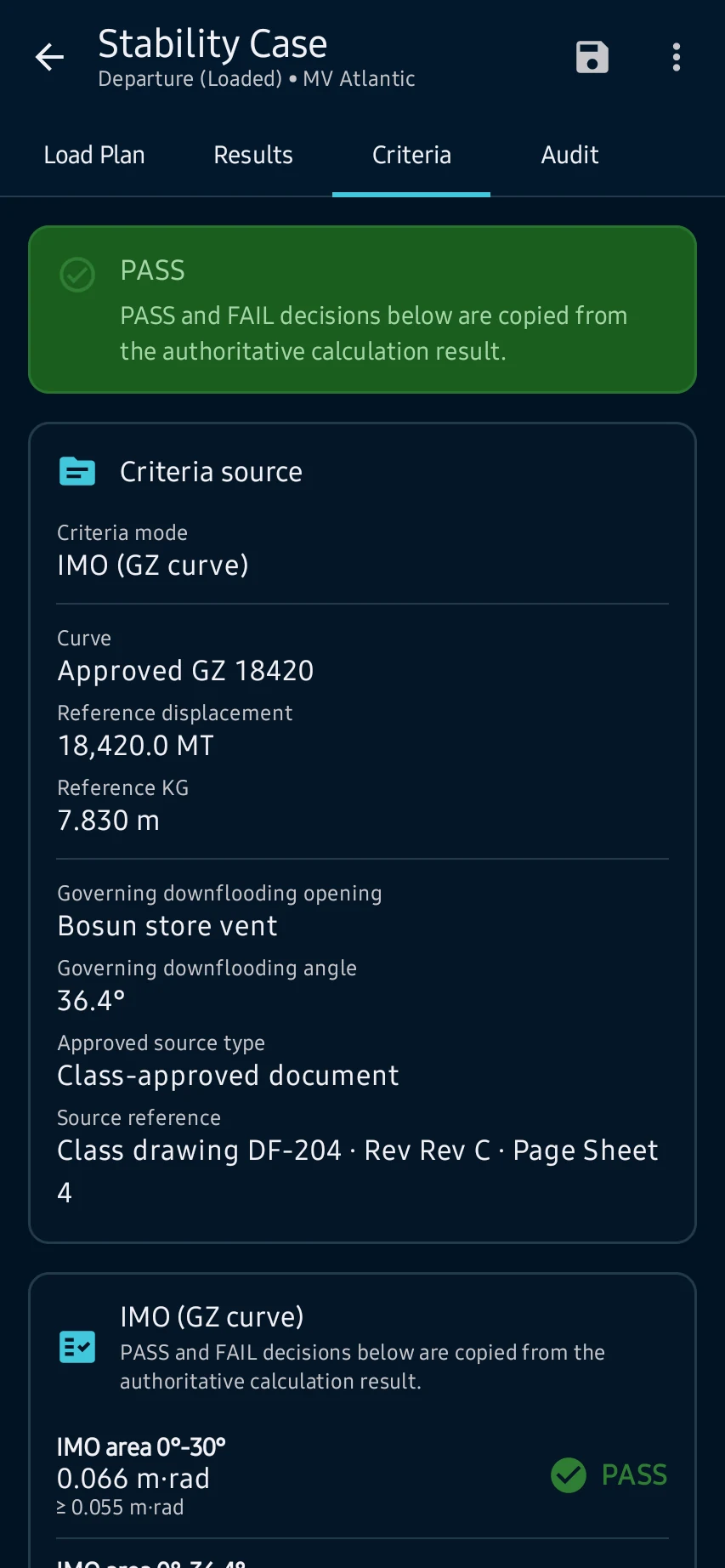
Criteria: compare corrected GM, GZ areas, range and downflooding evidence with the applicable approved criterion set and its source.
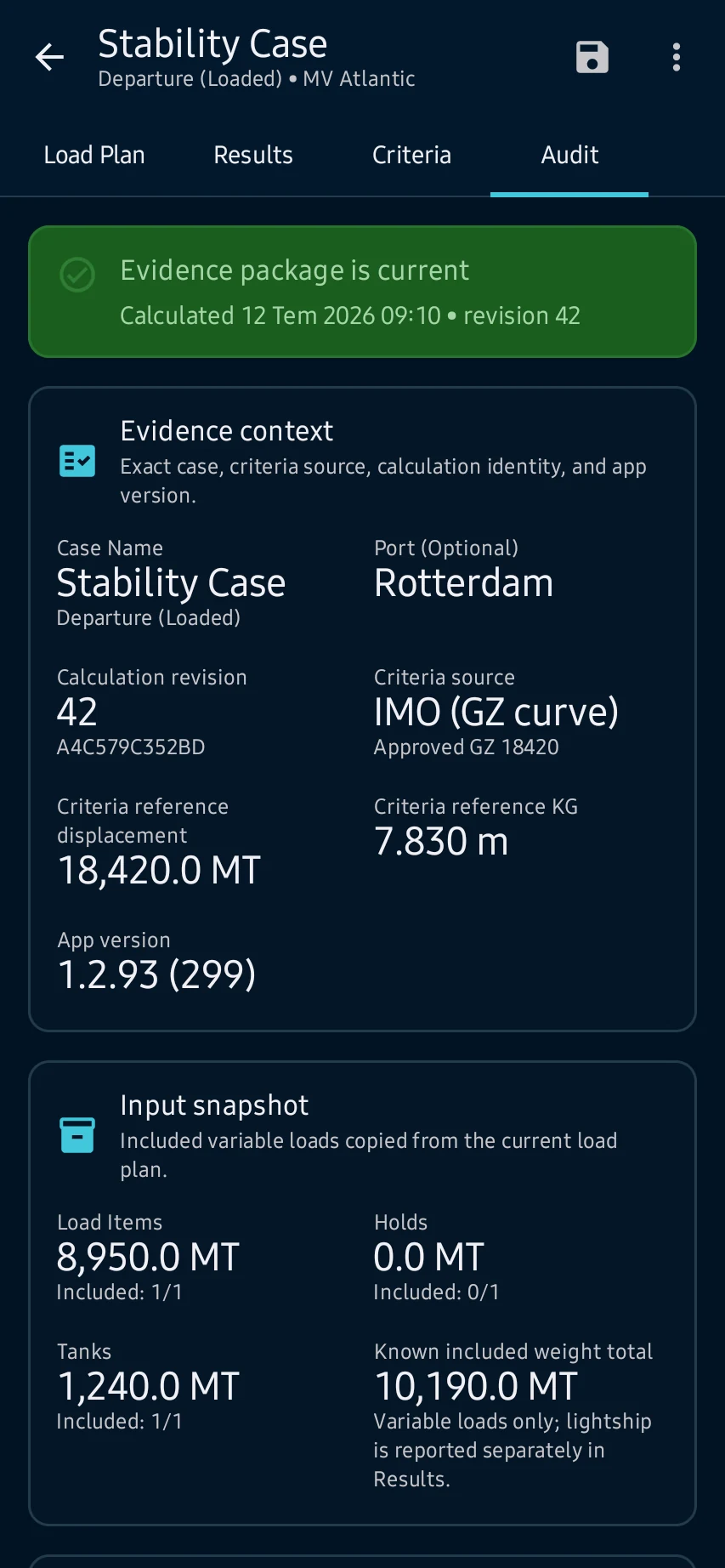
Final review: confirm the entered values and their sources, timestamps and calculation details; resolve incomplete or failed states before saving or exporting the report.
See the main screens
01
Load Plan: open Stability, select the active vessel and case, then review entered weights, centers, tanks, hydrostatic source and readiness messages.
02
Results: calculate the condition and review displacement, KG, corrected GM, GZ curve, assumptions, contributors and any operational warning.
03
Criteria: compare corrected GM, GZ areas, range and downflooding evidence with the applicable approved criterion set and its source.
04
Final review: confirm the entered values and their sources, timestamps and calculation details; resolve incomplete or failed states before saving or exporting the report.
Final review: confirm the entered values and their sources, timestamps and calculation details; resolve incomplete or failed states before saving or exporting the report.
CaptainCalc is decision support. It never replaces approved stability data, loading computers, ECDIS, official publications, procedures or professional judgment.
Get CaptainCalc on Google Play
Freemium keeps essential online tools available with ads. Premium removes ads, raises limits and unlocks the complete offline professional workspace.