
HAKBANG-HAKBANG NA GABAY

Gumawa ng vessel profile

Ilagay ang approved vessel, hydrostatic, stability, tank at capacity data. Gamitin ang built-in example vessel para makilala ang app at palitan ang lahat ng example value bago ang tunay na trabaho.

Bago magsimula

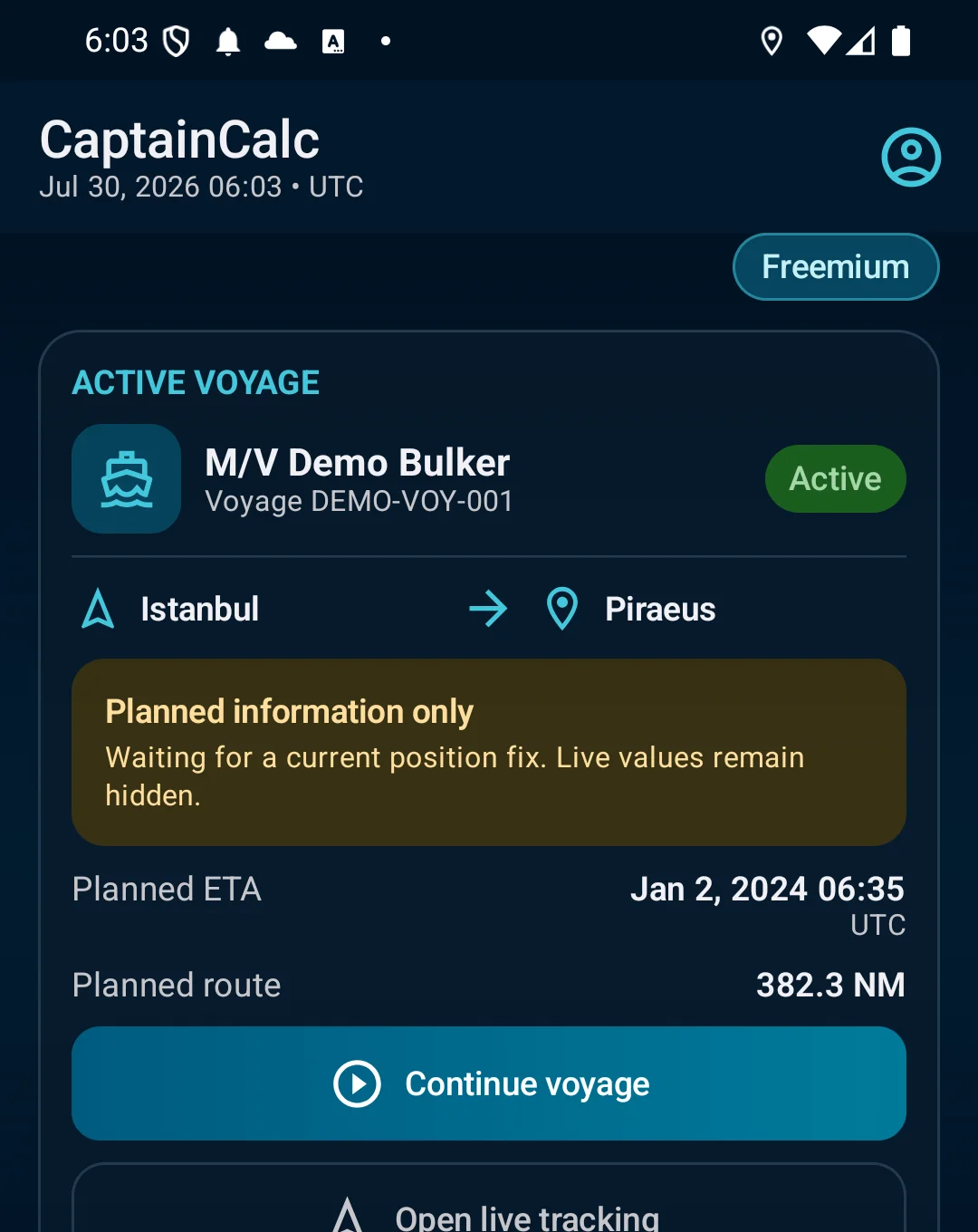
Path: Home → Vessel Profile → gumawa ng profile o i-load ang built-in example vessel para sa pagkilala sa app.
Mga hakbang sa app

  1. Path: Home → Vessel Profile → gumawa ng profile o i-load ang built-in example vessel para sa pagkilala sa app.
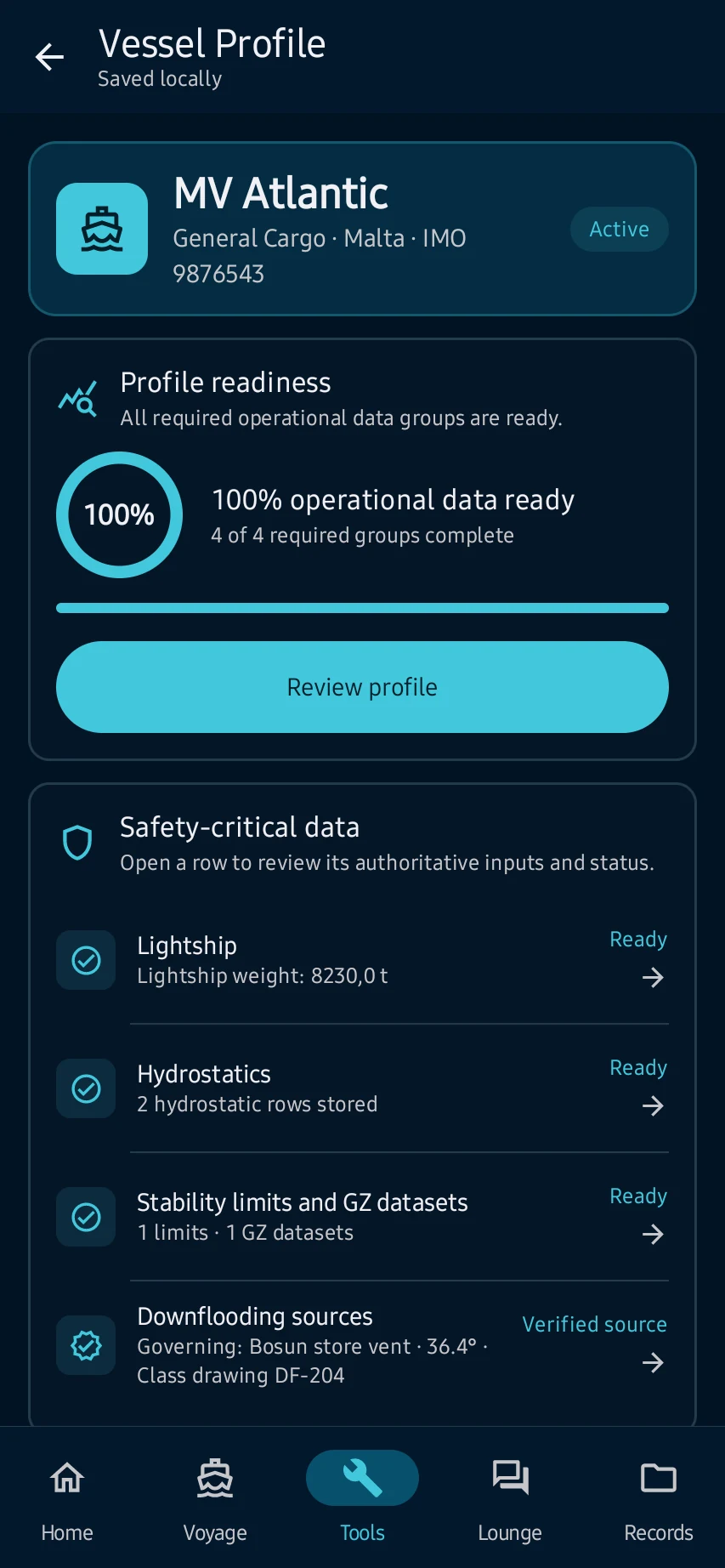
  2. Ilagay ang identity at principal dimensions, saka lamang ang approved hydrostatic, stability, tank, hold-capacity at deviation data.
  3. ipinapakita ng profile ang readiness at sources at magagamit ito bilang active vessel sa customer supported calculations.
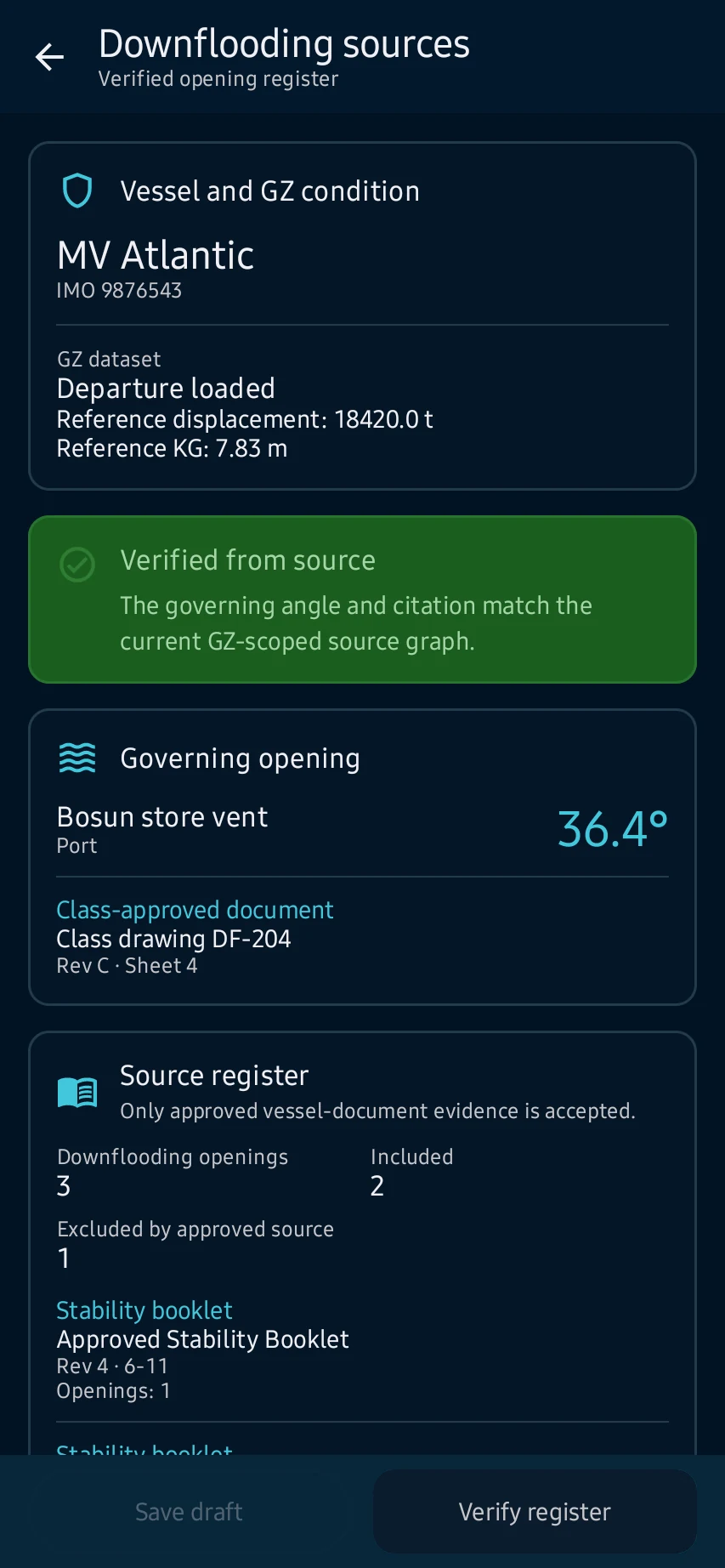
  4. Bago mag-save, suriin ang units, ranges, duplicate drafts at sources; hindi operational data ang example values.

Tingnan ang pangunahing mga screen

01

Path: Home → Vessel Profile → gumawa ng profile o i-load ang built-in example vessel para sa pagkilala sa app.

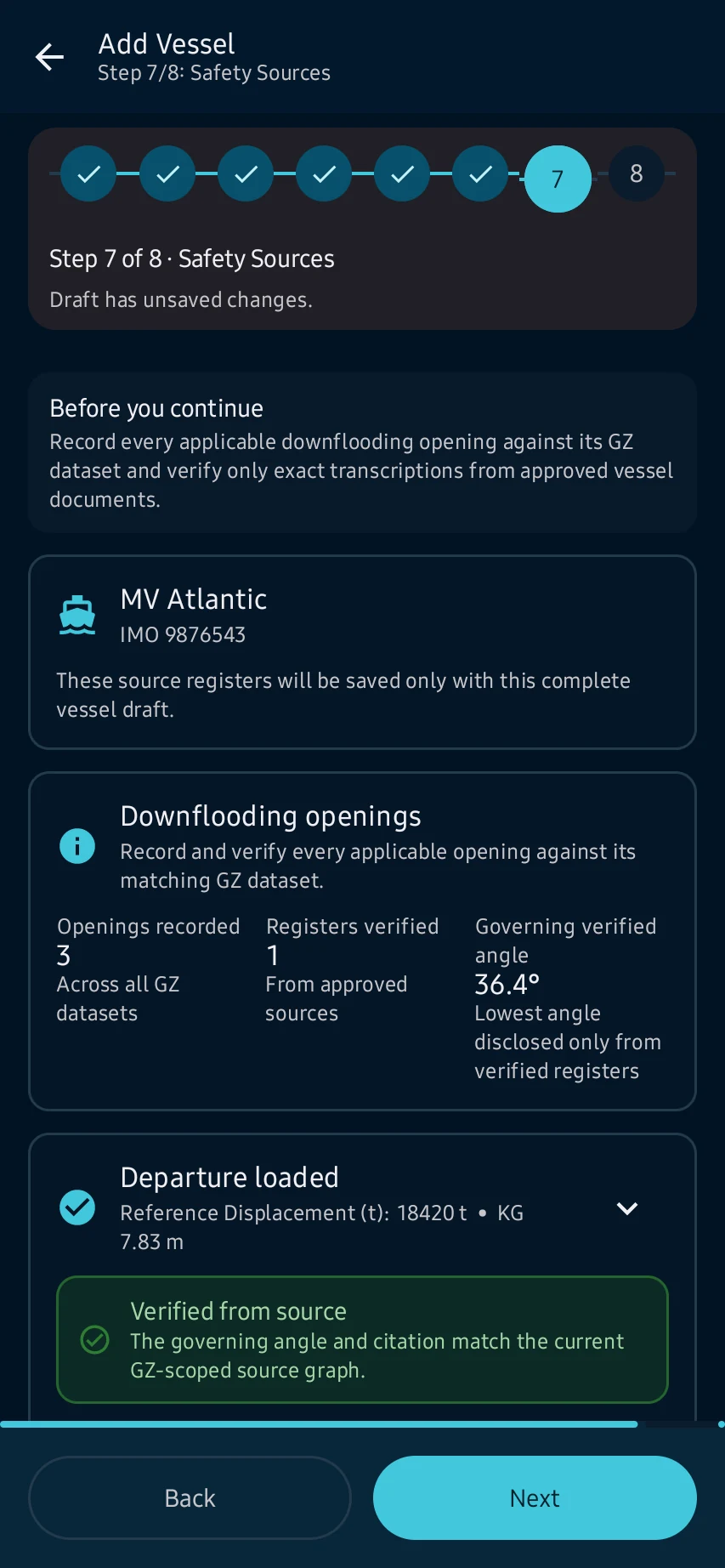
Gumawa ng vessel profile: Path: Home → Vessel Profile → gumawa ng profile o i-load ang built-in example vessel para sa pagkilala sa app.
02

Ilagay ang identity at principal dimensions, saka lamang ang approved hydrostatic, stability, tank, hold-capacity at deviation data.

Gumawa ng vessel profile: Ilagay ang identity at principal dimensions, saka lamang ang approved hydrostatic, stability, tank, hold-capacity at deviation data.
03

ipinapakita ng profile ang readiness at sources at magagamit ito bilang active vessel sa customer supported calculations.

Gumawa ng vessel profile: ipinapakita ng profile ang readiness at sources at magagamit ito bilang active vessel sa customer supported calculations.
04

Bago mag-save, suriin ang units, ranges, duplicate drafts at sources; hindi operational data ang example values.

Gumawa ng vessel profile: Bago mag-save, suriin ang units, ranges, duplicate drafts at sources; hindi operational data ang example values.

Practical learning at web tools

Ano ang makikita mo

Bago mag-save, suriin ang units, ranges, duplicate drafts at sources; hindi operational data ang example values.

Hindi pinapalitan ng CaptainCalc ang approved data, loading computer, ECDIS, official publications, procedures o pasya ng kapitan.

Kunin ang CaptainCalc sa Google Play

May ads ang Freemium. Inaalis ng Premium ang ads, dinaragdagan ang limits at binubuksan ang buong offline professional workspace.

I-download sa Google Play