
CPA / TCPA Calculator Guide for Collision Avoidance
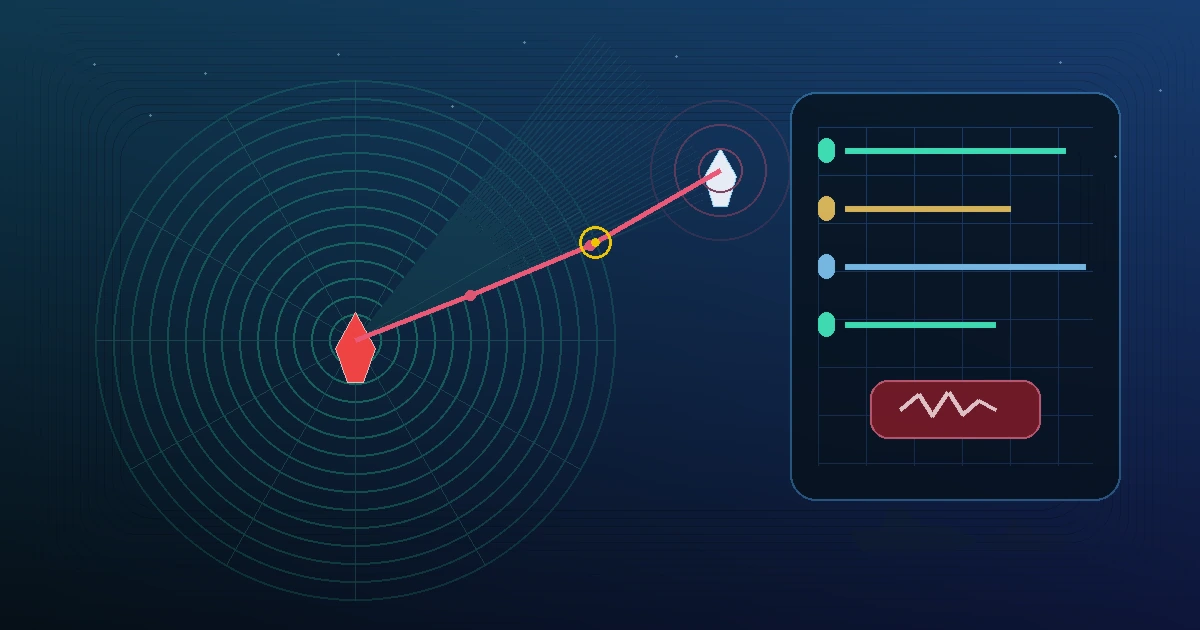
CPA and TCPA are among the fastest ways to understand whether a target deserves immediate attention. This guide shows how to read the numbers, when they become dangerous, and how to use the CPA / TCPA Calculator together with CPA and TCPA, bearing, and AIS data.
Reference basis: IMO/COLREG/STCW concepts, nautical practice, approved ship documents, and CaptainCalc calculation notes. Always verify operational decisions with official sources.
Why Bridge Teams Track CPA and TCPA
Real bridge situation: You are approaching a traffic lane at night with six ARPA targets on the radar. Two targets look close on screen, but only one is actually developing into a dangerous crossing situation.
- CPA tells you the minimum predicted passing distance.
- TCPA tells you how soon that minimum distance will happen.
- Together they help the Officer of the Watch decide which targets require immediate monitoring, trial manoeuvre checks, or an early course/speed alteration.
Good bridge teams never use CPA/TCPA as a replacement for COLREG judgement, but they do use it as a fast filter for collision risk.
Inputs Required for a Reliable CPA / TCPA Result
| Input | Meaning | Typical Source |
|---|---|---|
| Own Ship COG / SOG | Your actual motion over the ground | GPS, ECDIS, ARPA feed |
| Target COG / SOG | Target vessel motion vector | AIS or ARPA acquisition |
| Target Bearing | True bearing from own ship to target | Radar / EBL / AIS overlay |
| Target Range | Current distance to target | Radar range ring or AIS |
If the target vector is unstable, the CPA/TCPA output is unstable too. Before taking action, confirm that the target has been tracked long enough and that the reported course and speed are credible.
Worked Example: Crossing Situation
Input data:
- Own ship: COG 000°T, SOG 10 kn
- Target ship: COG 255°T, SOG 18 kn
- Target bearing: 040°T
- Target range: 7.0 NM
Calculated result:
- Relative speed: 22.7 kn
- TCPA: 18.2 minutes
- CPA: 1.20 NM
Interpretation:
- A CPA of 1.20 NM may be acceptable in open sea, but it may be too close in dense traffic, reduced visibility, or a narrow lane.
- A TCPA of 18 minutes means you have some time, but not enough to delay monitoring.
- The correct bridge response is not just “CPA looks okay”; it is to compare the encounter with COLREG responsibilities, traffic density, company limits, and available sea room.
What Counts as a Safe CPA?
| Operating Area | Common Practical Target | Bridge Comment |
|---|---|---|
| Open sea | 1.0 to 2.0 NM or more | Usually acceptable if visibility is good and traffic is light |
| Coastal / traffic separation | 1.5 to 3.0 NM | More margin is preferred because target behaviour changes quickly |
| Pilotage / approach waters | Situation-dependent | Low speed, VTS control, and local instructions matter more than one fixed number |
There is no universal “safe CPA” value for every bridge. Masters, company procedures, traffic conditions, and visibility all change the acceptable limit.
Common CPA / TCPA Mistakes
- Watching TCPA only: A long TCPA can still end with a very small CPA.
- Trusting a single scan: Always confirm that target vectors are stable over time.
- Ignoring own manoeuvre effects: A small course change can improve CPA, but it can also create a new target conflict.
- Forgetting current and drift: In strong current, the observed target geometry changes faster than expected.
- Treating CPA/TCPA as a decision maker: They support judgement; they do not replace COLREG or bridge resource management.
Using CaptainCalc for a Fast CPA / TCPA Check
CaptainCalc makes the workflow simple when you need a quick independent check away from the radar menu tree:
- Enter own ship COG and SOG.
- Enter target COG, SOG, bearing, and range.
- Read the predicted CPA, TCPA, and relative speed instantly.
- Use the result to support your radar plotting and bridge team discussion.
Open the CPA / TCPA Calculator when you want a simple constant-course, constant-speed risk check without leaving the CaptainCalc workflow.
Related Glossary Terms
- CPA and TCPA - Predicted closest approach values between two vessels
- AIS - Automatic Identification System target data
- Bearing - Direction from own ship to a target or object
Related Articles
Ender Soyuince built CaptainCalc to give bridge teams faster, clearer decision support for everyday navigation calculations, from CPA checks to voyage planning and stability work.
Related Calculators
Sources and verification
Use these references as the starting point for verification; always follow current flag-state, company, port, and approved shipboard documents for operational decisions.
Continue this workflow in CaptainCalc
Use the Android app to keep the calculation, source context and operational record together.

See how CaptainCalc handles this task
Explore what the app offers, follow the steps on screen, or learn what each result means.