
STEP-BY-STEP GUIDE

Understand the control center

Not a loose collection of calculators. CaptainCalc keeps vessel, voyage, source and record context visible from input to export.

Before you start

After selecting a vessel, open Home and review the operational overview; a Home card is navigation and context, not a newly calculated result.
App steps

  1. After selecting a vessel, open Home and review the operational overview; a Home card is navigation and context, not a newly calculated result.
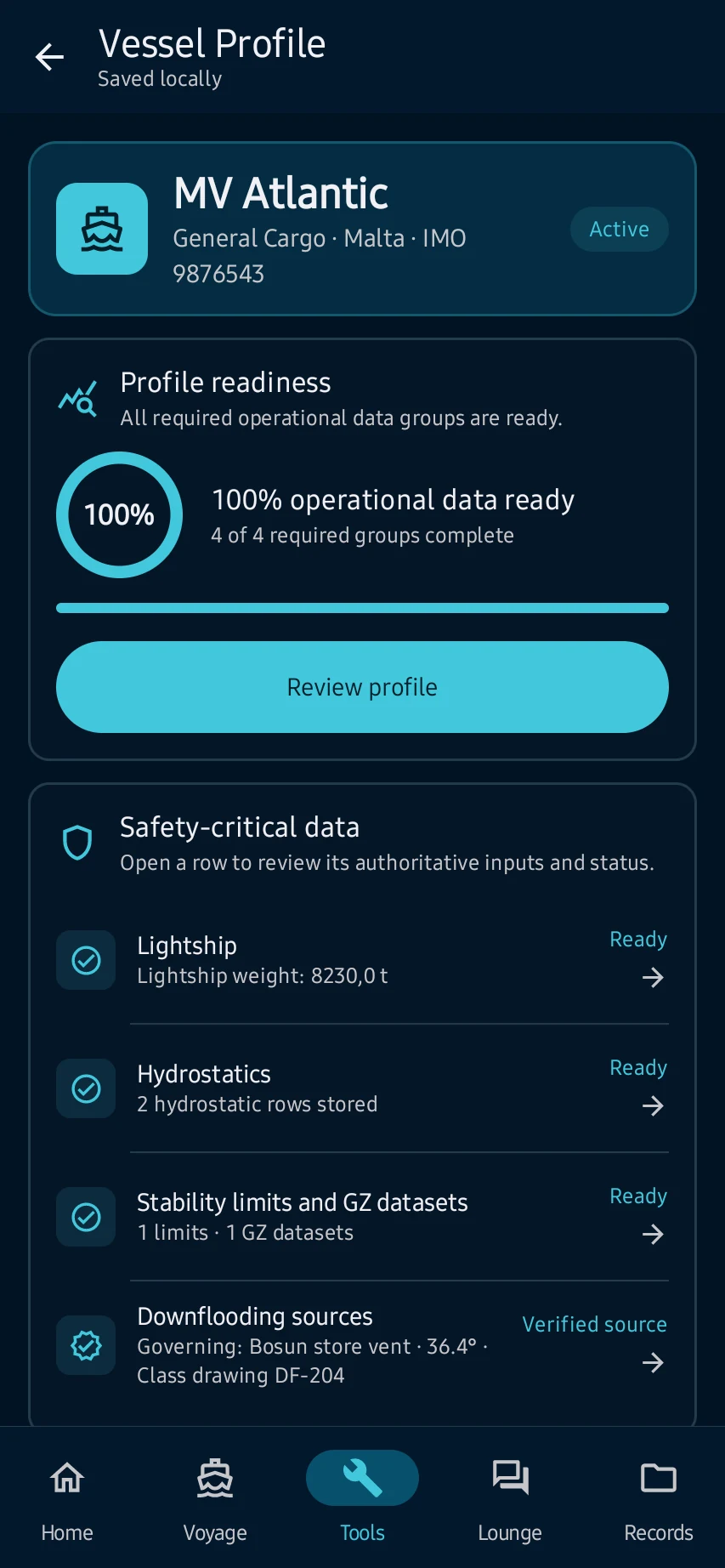
  2. Open Vessel Profile from its card and confirm identity, readiness and source-backed setup before using vessel-dependent workspaces.
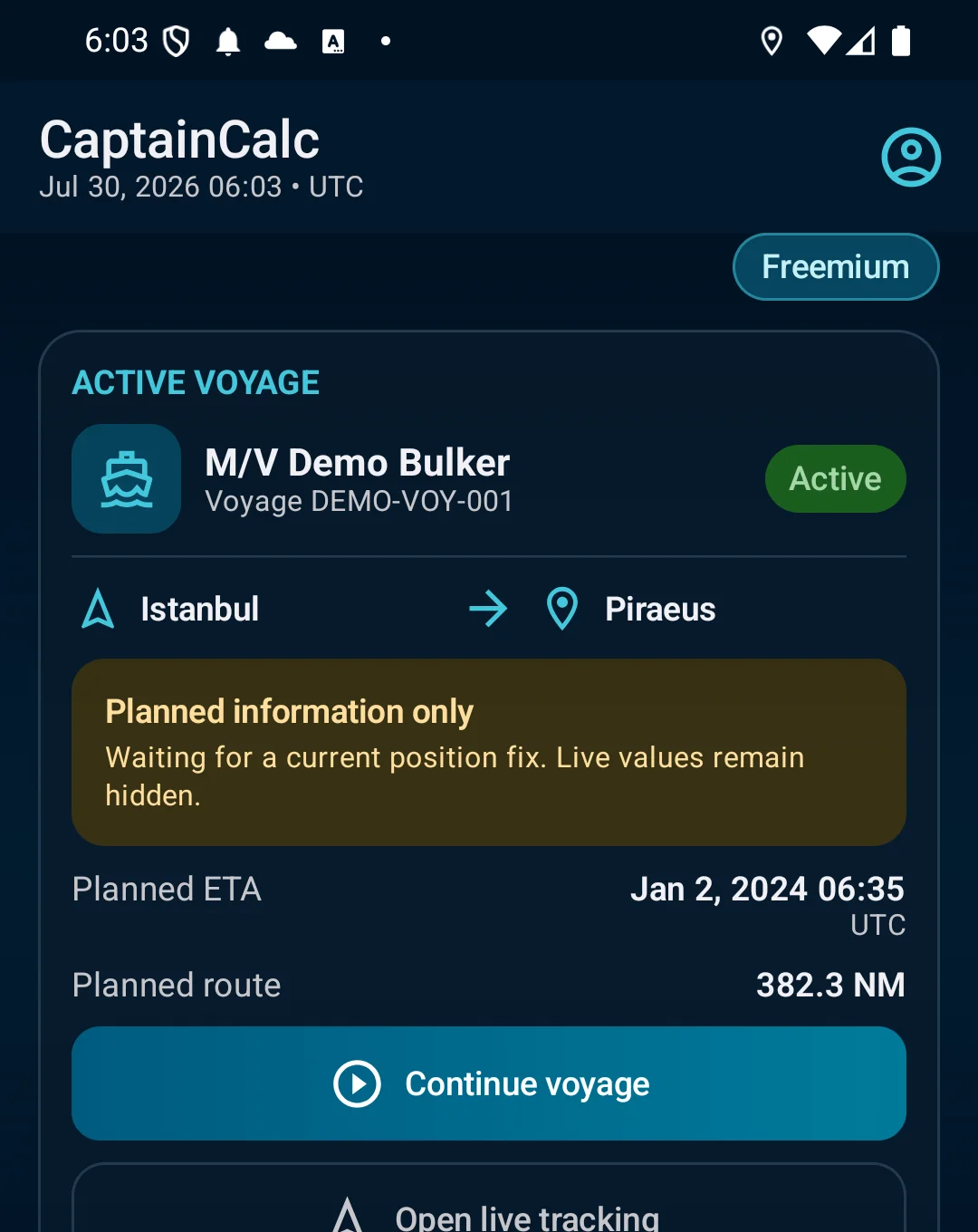
  3. Open the active voyage card and verify route, ETA and progress belong to the intended vessel and voyage before continuing.
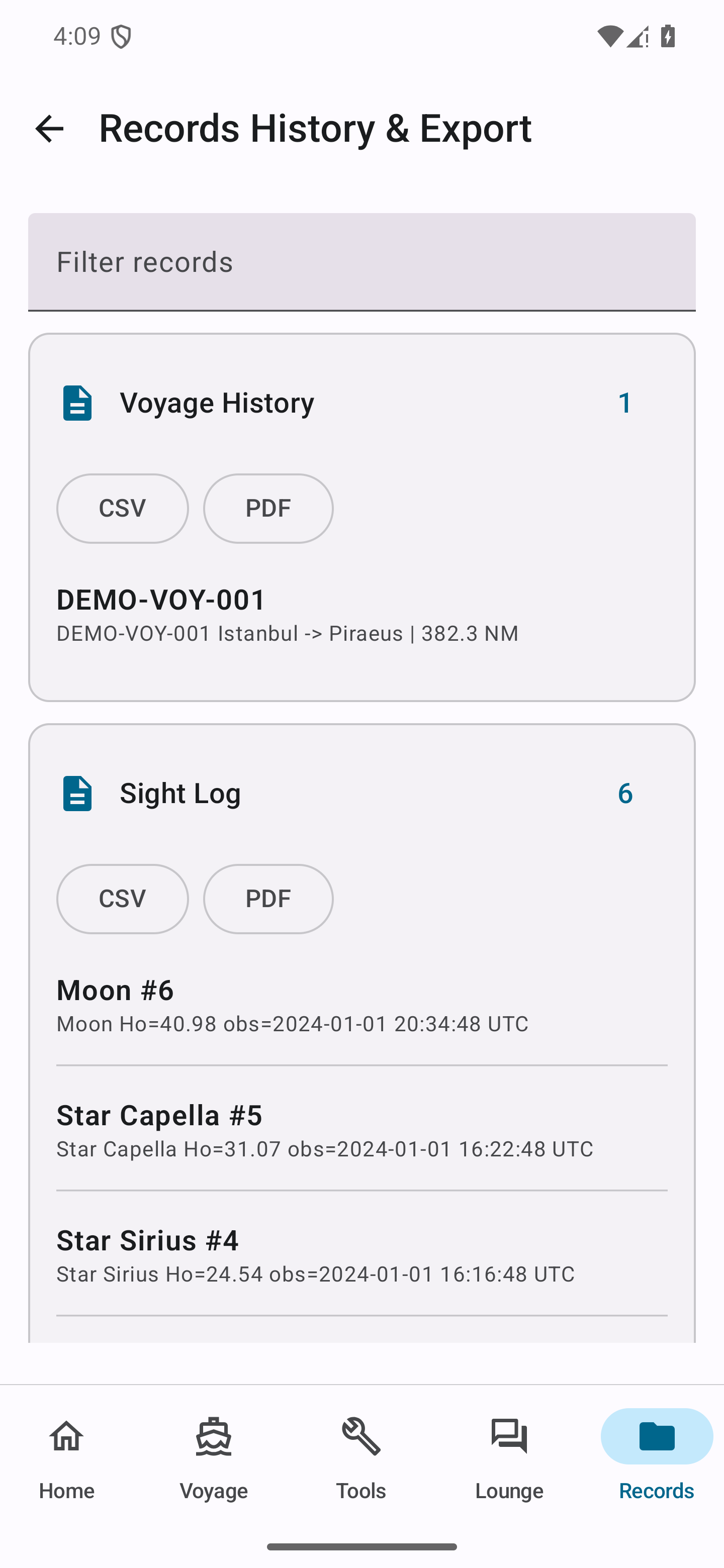
  4. Open Records from the recent-work area and confirm saved timestamps and source details; resolve missing setup instead of inferring a result from a summary.

See the main screens

01

After selecting a vessel, open Home and review the operational overview; a Home card is navigation and context, not a newly calculated result.

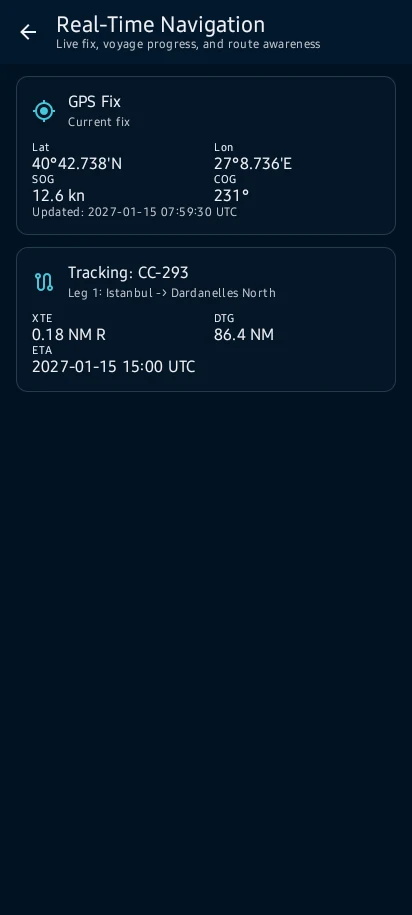
Understand the control center: After selecting a vessel, open Home and review the operational overview; a Home card is navigation and context, not a newly calculated result.
02

Open Vessel Profile from its card and confirm identity, readiness and source-backed setup before using vessel-dependent workspaces.

Understand the control center: Open Vessel Profile from its card and confirm identity, readiness and source-backed setup before using vessel-dependent workspaces.
03

Open the active voyage card and verify route, ETA and progress belong to the intended vessel and voyage before continuing.

Understand the control center: Open the active voyage card and verify route, ETA and progress belong to the intended vessel and voyage before continuing.
04

Open Records from the recent-work area and confirm saved timestamps and source details; resolve missing setup instead of inferring a result from a summary.

Understand the control center: Open Records from the recent-work area and confirm saved timestamps and source details; resolve missing setup instead of inferring a result from a summary.

What you'll see

Open Records from the recent-work area and confirm saved timestamps and source details; resolve missing setup instead of inferring a result from a summary.

CaptainCalc is decision support. It never replaces approved stability data, loading computers, ECDIS, official publications, procedures or professional judgment.

Get CaptainCalc on Google Play

Freemium keeps essential online tools available with ads. Premium removes ads, raises limits and unlocks the complete offline professional workspace.

Get it on Google Play