
STEP-BY-STEP GUIDE

Run a quick bridge calculation

Create observations with UTC time, DR position, body and sextant inputs; apply corrections, reduce sights and combine LOPs into a fix. Use quick calculators for repeatable bridge checks and save key results.

Before you start

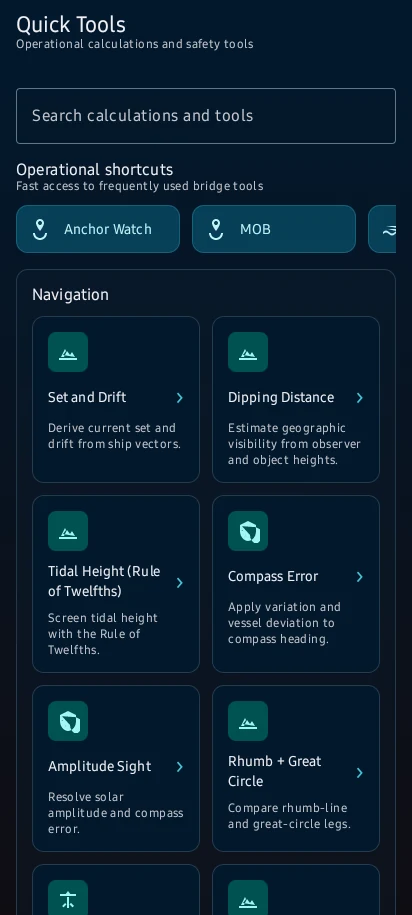
Tools → Quick Calculations → choose the calculator that matches the bridge task.
App steps

  1. Tools → Quick Calculations → choose the calculator that matches the bridge task.
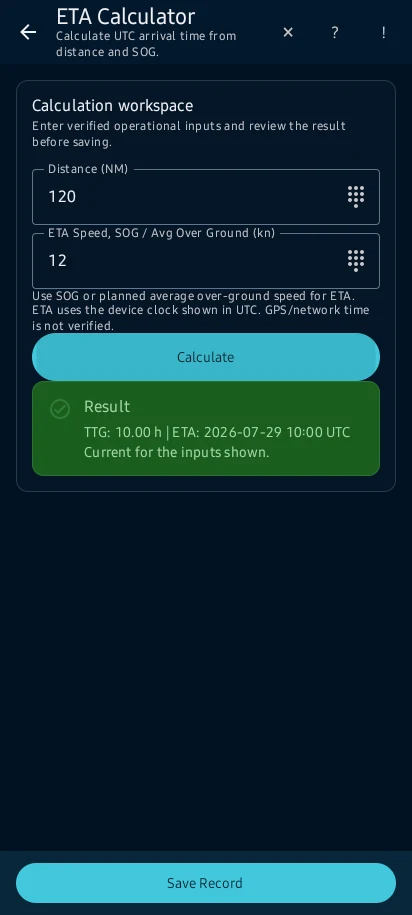
  2. For an ETA example, enter 120 NM and 12 kn in the displayed units; the time-to-go should be 10 hours before adding a departure time.
  3. the calculator shows the result, method context and on-screen messages without changing vessel records unless you save it.
  4. Correct incomplete or inconsistent units before using the value. Save or copy the result only when the screen offers that action.

See the main screens

01

Tools → Quick Calculations → choose the calculator that matches the bridge task.
Run a quick bridge calculation: Tools → Quick Calculations → choose the calculator that matches the bridge task.
02

For an ETA example, enter 120 NM and 12 kn in the displayed units; the time-to-go should be 10 hours before adding a departure time.

Run a quick bridge calculation: For an ETA example, enter 120 NM and 12 kn in the displayed units; the time-to-go should be 10 hours before adding a departure time.
03

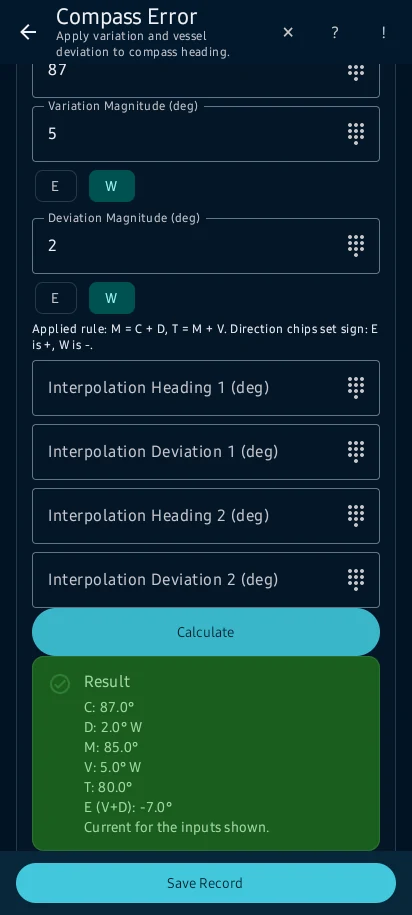
the calculator shows the result, method context and on-screen messages without changing vessel records unless you save it.

Run a quick bridge calculation: the calculator shows the result, method context and on-screen messages without changing vessel records unless you save it.
04

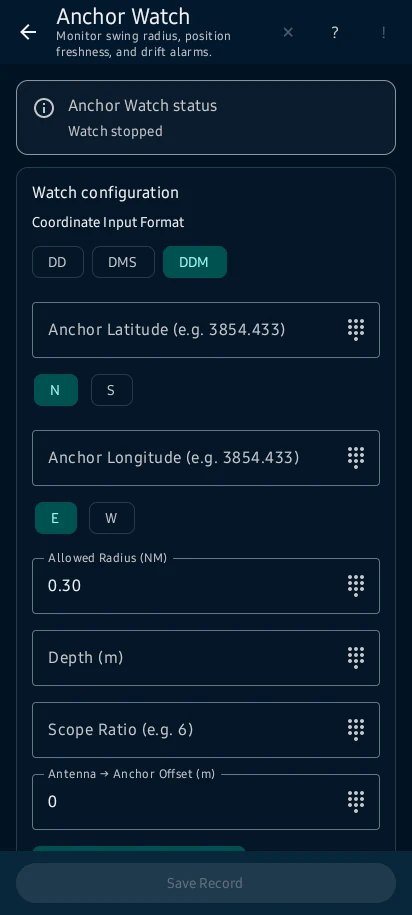
Correct incomplete or inconsistent units before using the value. Save or copy the result only when the screen offers that action.

Run a quick bridge calculation: Correct incomplete or inconsistent units before using the value. Save or copy the result only when the screen offers that action.

Practical learning and web tools

What you'll see

Correct incomplete or inconsistent units before using the value. Save or copy the result only when the screen offers that action.

CaptainCalc is decision support. It never replaces approved stability data, loading computers, ECDIS, official publications, procedures or professional judgment.

Get CaptainCalc on Google Play

Freemium keeps essential online tools available with ads. Premium removes ads, raises limits and unlocks the complete offline professional workspace.

Get it on Google Play