
STEP-BY-STEP GUIDE

Create the vessel profile

Open the profile from Home and enter approved vessel, hydrostatic, stability, tank and capacity data. You can explore the app with the built-in example vessel, then replace every example value before real work.

Before you start

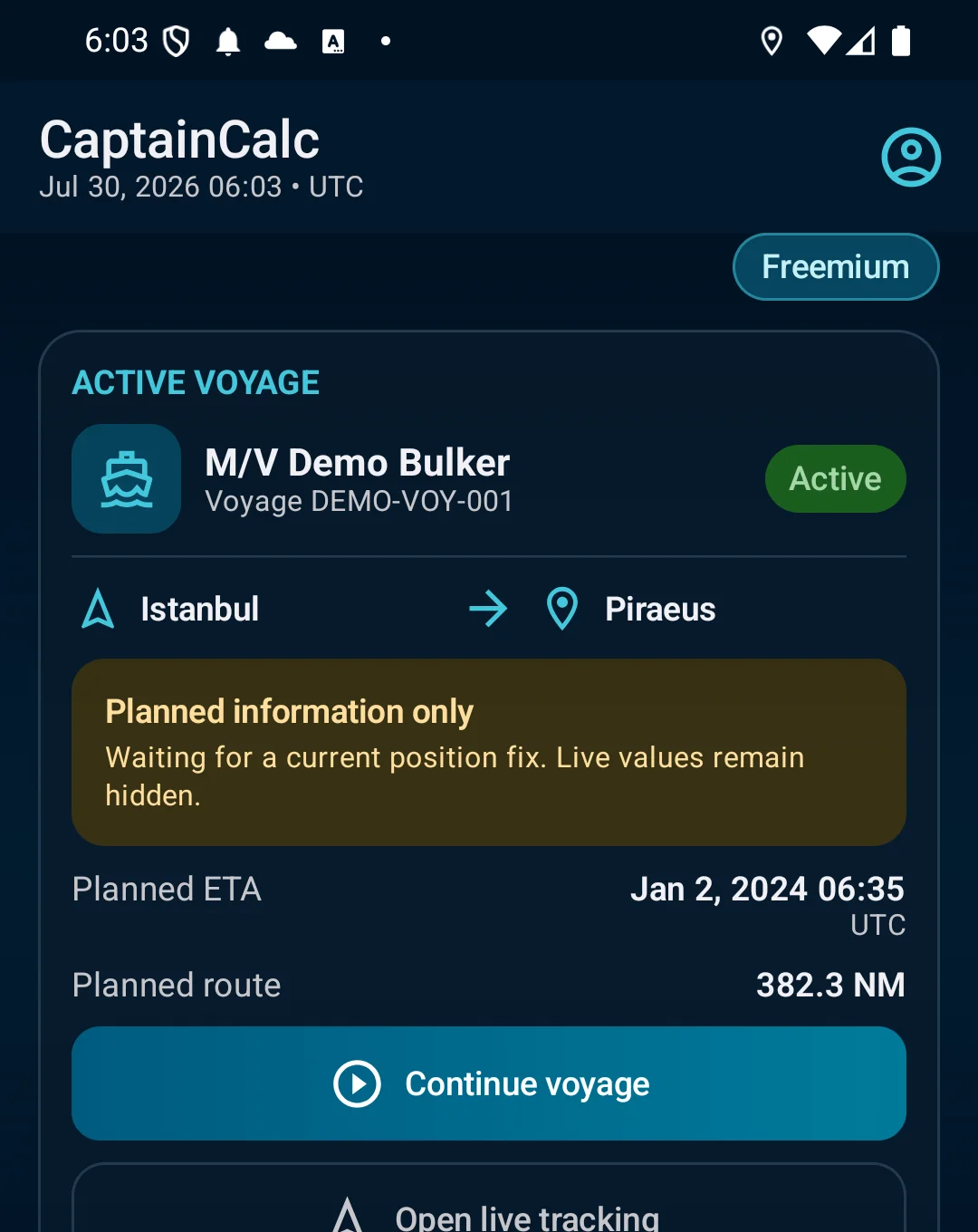
Home → Vessel Profile → create a profile or load the built-in example vessel to explore the app.
App steps

  1. Home → Vessel Profile → create a profile or load the built-in example vessel to explore the app.
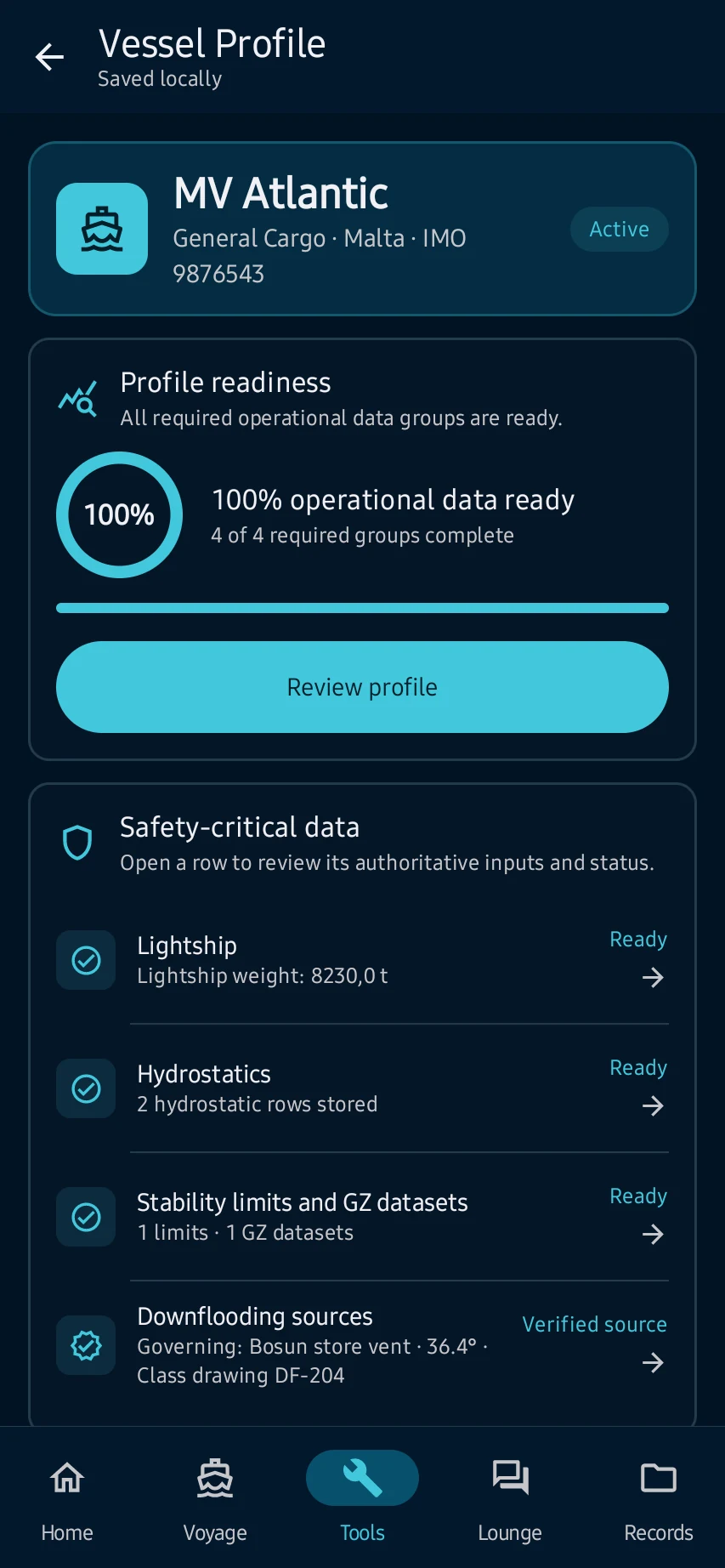
  2. Enter identity and principal dimensions, then add only approved hydrostatic, stability, tank, hold-capacity and deviation data needed by your workflows.
  3. the profile shows its completeness and source details, and supported calculators can select it as the active vessel.
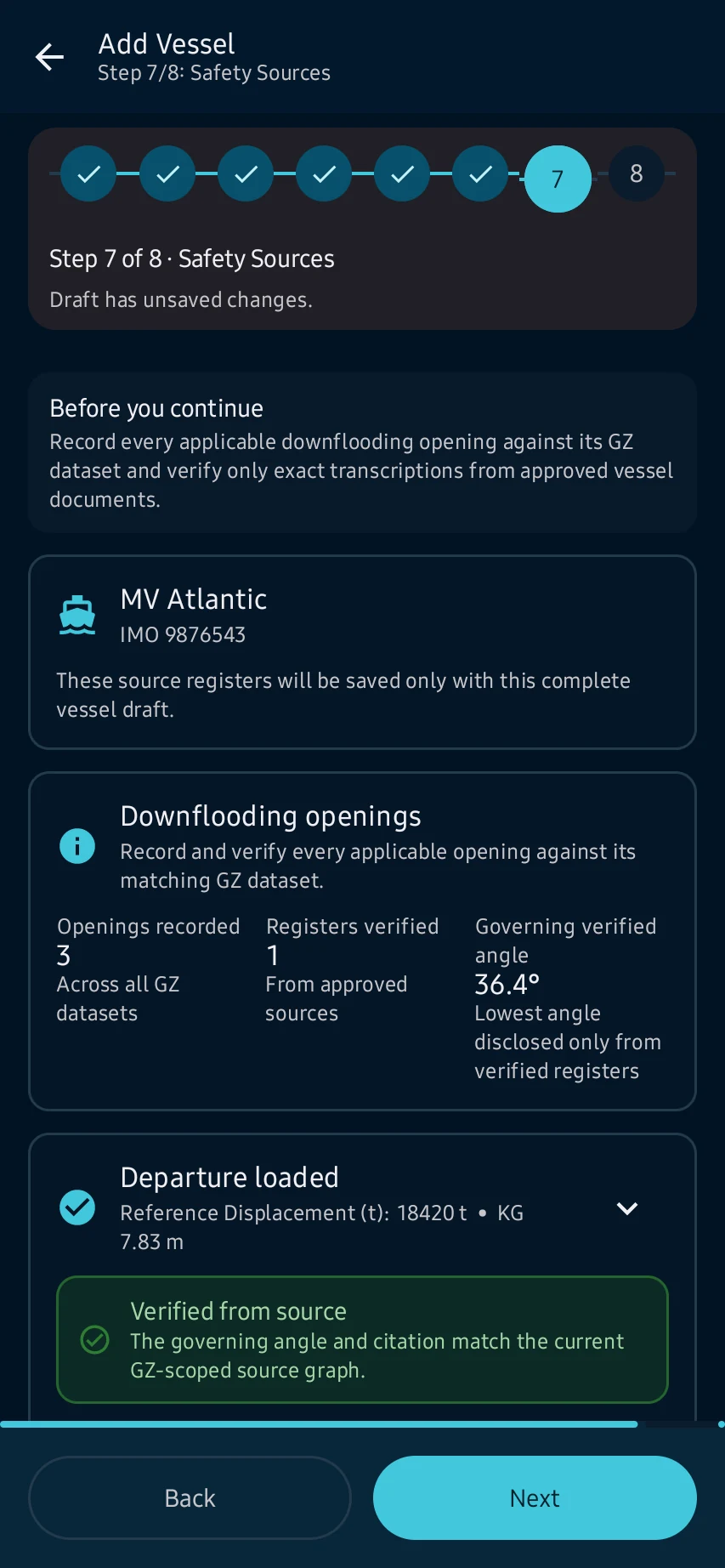
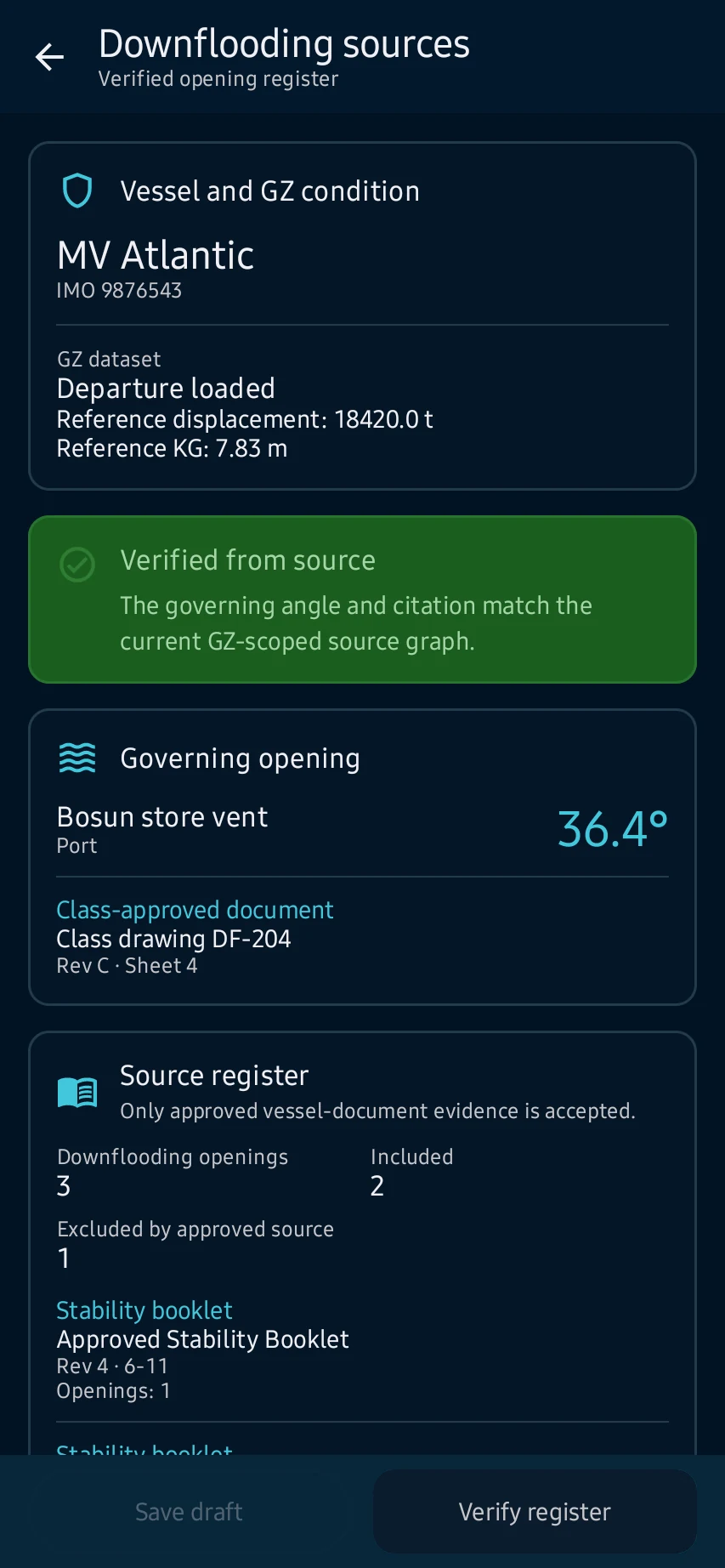
  4. Resolve missing-unit, duplicate-draft and range warnings before saving. Demo and unverified values are not operational vessel data.

See the main screens

01

Home → Vessel Profile → create a profile or load the built-in example vessel to explore the app.
Create the vessel profile: Home → Vessel Profile → create a profile or load the built-in example vessel to explore the app.
02

Enter identity and principal dimensions, then add only approved hydrostatic, stability, tank, hold-capacity and deviation data needed by your workflows.

Create the vessel profile: Enter identity and principal dimensions, then add only approved hydrostatic, stability, tank, hold-capacity and deviation data needed by your workflows.
03

the profile shows its completeness and source details, and supported calculators can select it as the active vessel.

Create the vessel profile: the profile shows its completeness and source details, and supported calculators can select it as the active vessel.
04

Resolve missing-unit, duplicate-draft and range warnings before saving. Demo and unverified values are not operational vessel data.

Create the vessel profile: Resolve missing-unit, duplicate-draft and range warnings before saving. Demo and unverified values are not operational vessel data.

Practical learning and web tools

What you'll see

Resolve missing-unit, duplicate-draft and range warnings before saving. Demo and unverified values are not operational vessel data.

CaptainCalc is decision support. It never replaces approved stability data, loading computers, ECDIS, official publications, procedures or professional judgment.

Get CaptainCalc on Google Play

Freemium keeps essential online tools available with ads. Premium removes ads, raises limits and unlocks the complete offline professional workspace.

Get it on Google Play