Why it matters
DSC distress/urgency/safety worksheets, equipment readiness, authorized radio logs, station directory and source-backed MSI/NAVTEX review. No transmission or radio control.
DSC distress/urgency/safety worksheets, equipment readiness, authorized radio logs, station directory and source-backed MSI/NAVTEX review. No transmission or radio control.
DSC distress/urgency/safety worksheets, equipment readiness, authorized radio logs, station directory and source-backed MSI/NAVTEX review. No transmission or radio control.
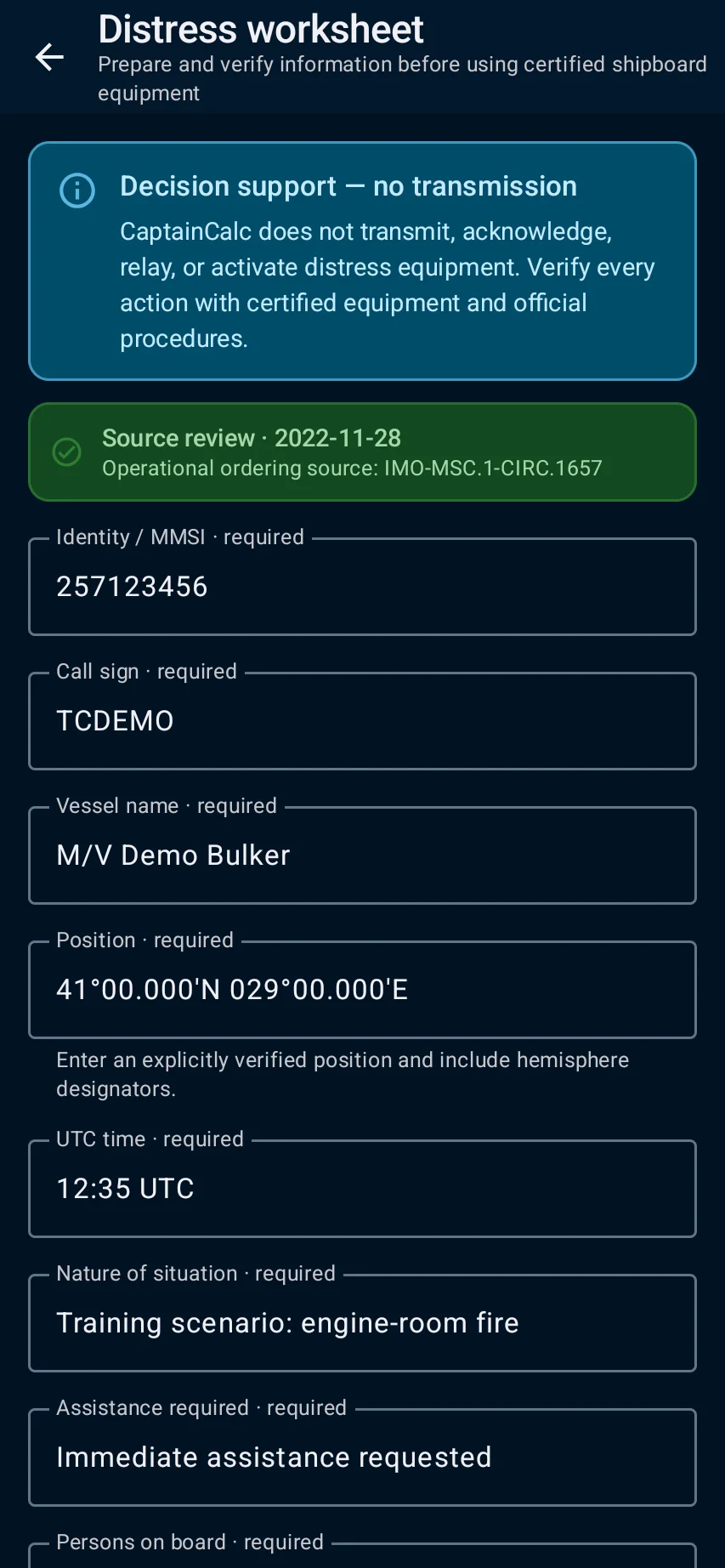
DSC distress/urgency/safety worksheets, equipment readiness, authorized radio logs, station directory and source-backed MSI/NAVTEX review. No transmission or radio control.
GMDSS decision support keeps the important inputs, source details, warnings and saved result together, so you can understand what shaped the answer.
The screens below show the main parts of GMDSS decision support and the result you can expect after completing the task.
Some tools need a completed vessel profile, installed offline data, an internet connection or Premium access. CaptainCalc tells you what is needed before you begin.
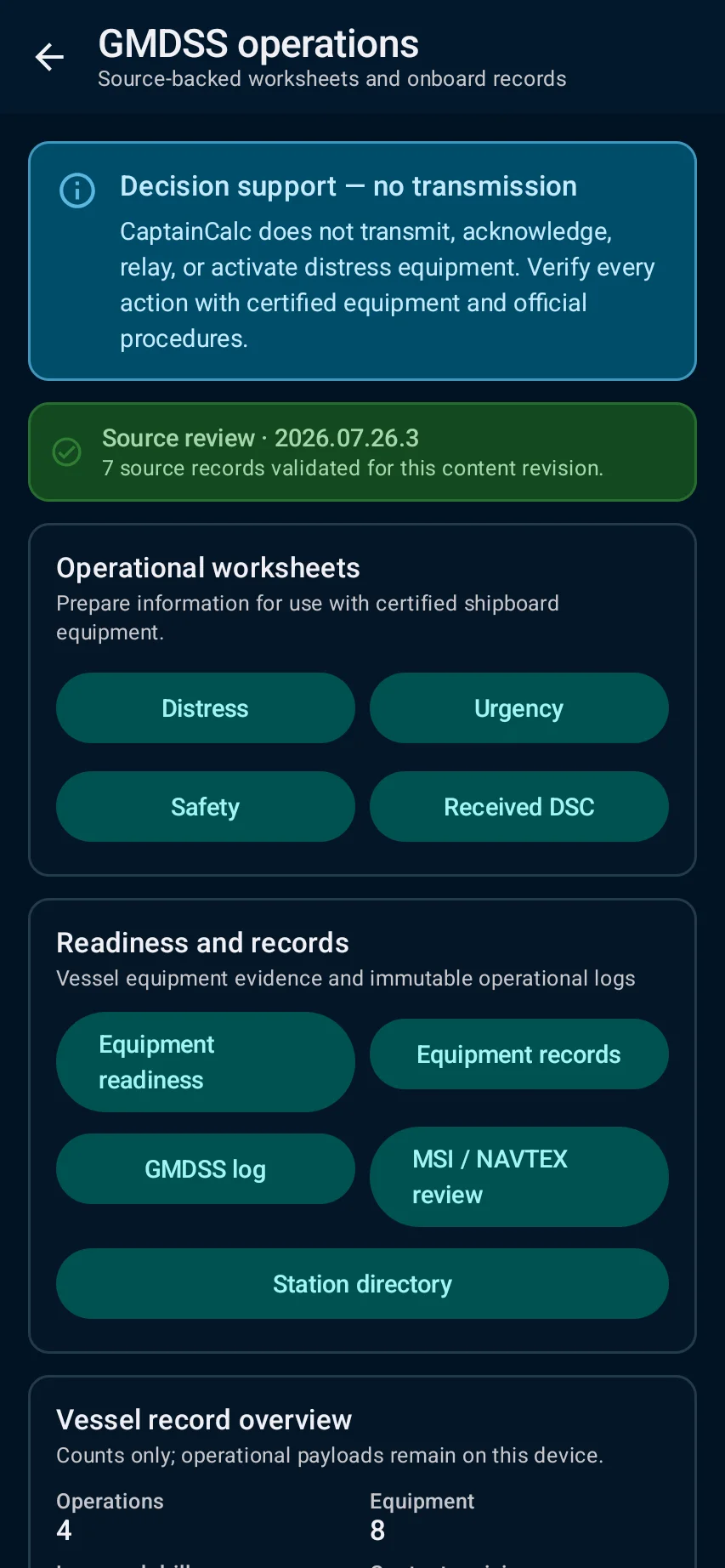
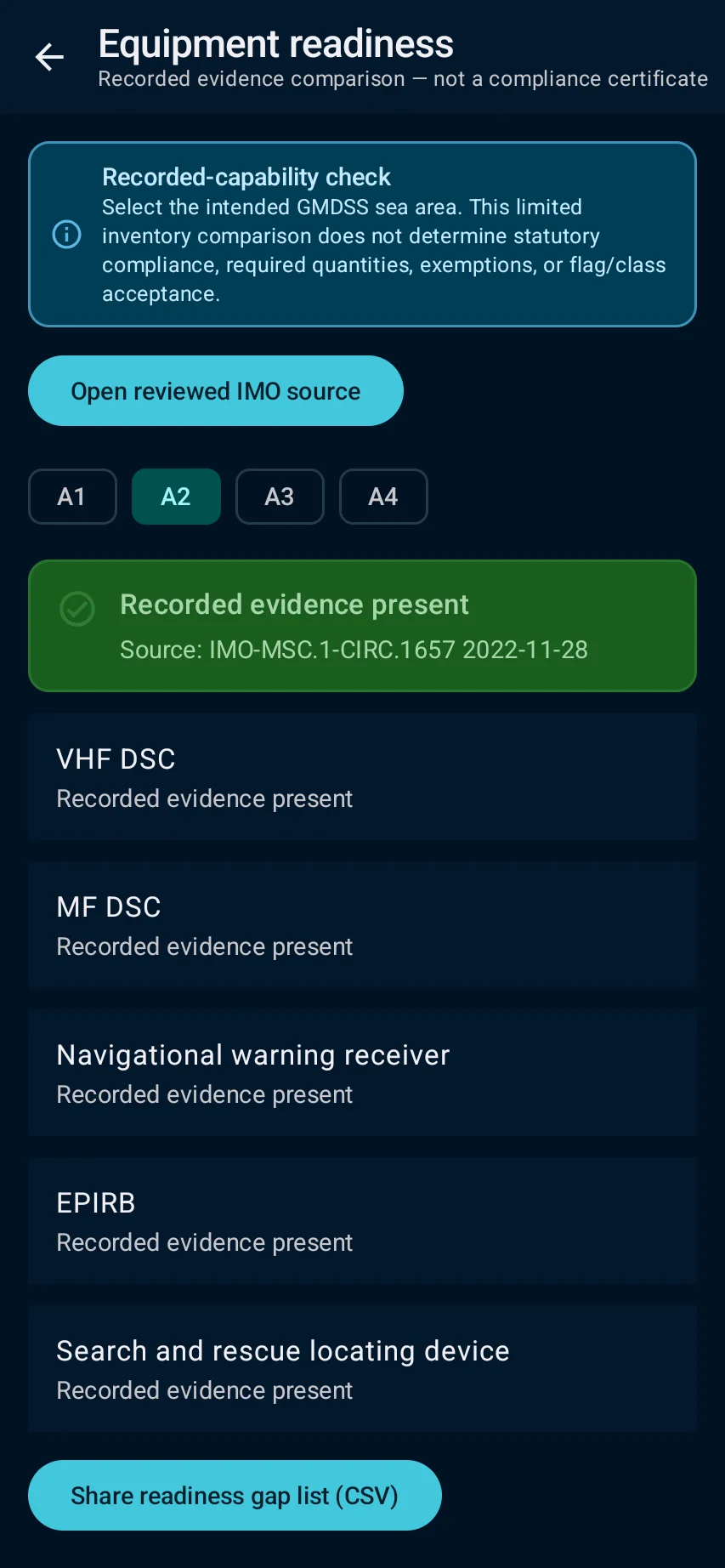
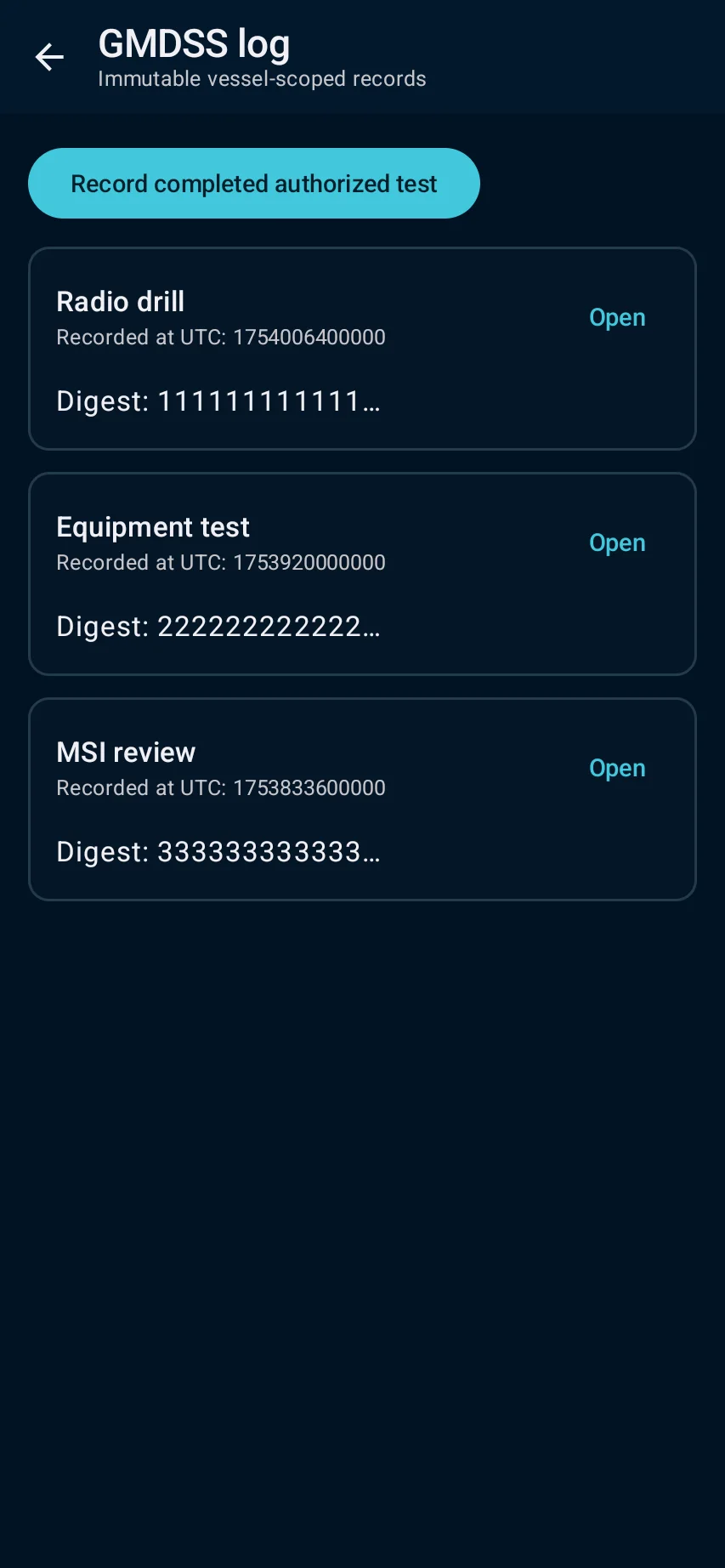
CaptainCalc is decision support. It never replaces approved stability data, loading computers, ECDIS, official publications, procedures or professional judgment.
Freemium keeps essential online tools available with ads. Premium removes ads, raises limits and unlocks the complete offline professional workspace.