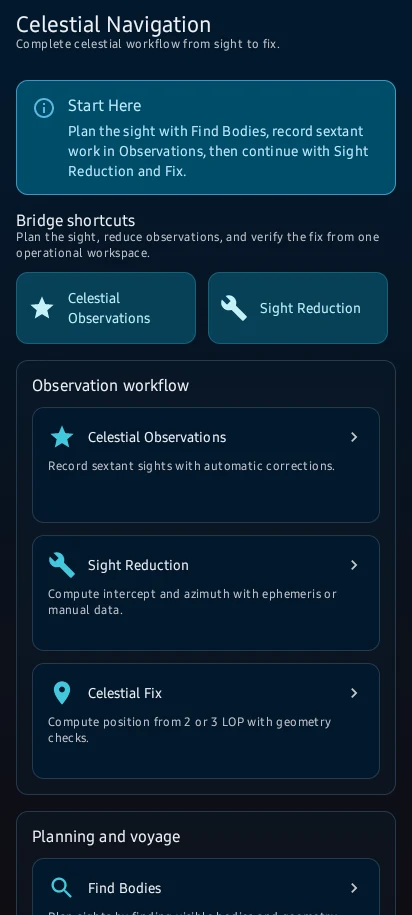
Create observations with UTC time, DR position, body and sextant inputs; apply corrections, reduce sights and combine LOPs into a fix. Use quick calculators for repeatable bridge checks and save key results.
Before you start
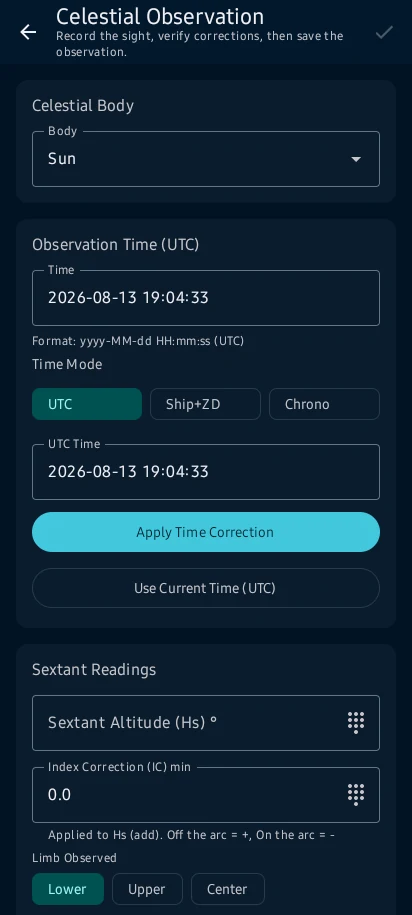
Celestial → New Observation; prepare UTC, DR position, selected body and current sextant/environment inputs.
App steps
Celestial → New Observation; prepare UTC, DR position, selected body and current sextant/environment inputs.
Enter sextant altitude, index correction, height of eye, pressure and temperature; use a clearly labelled example sight.
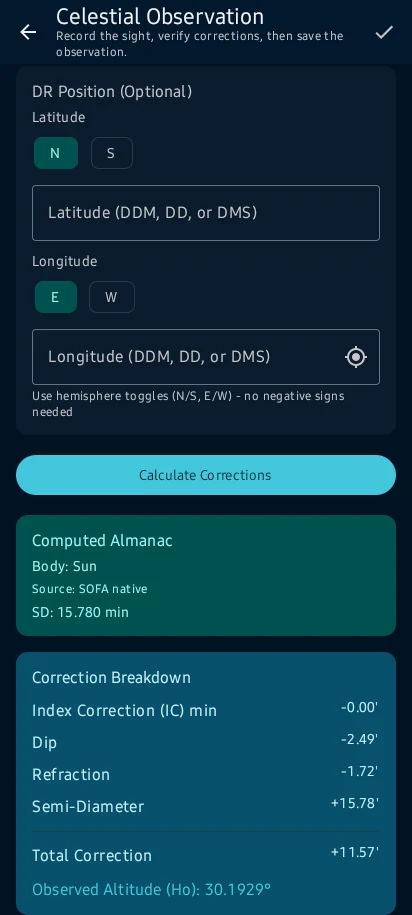
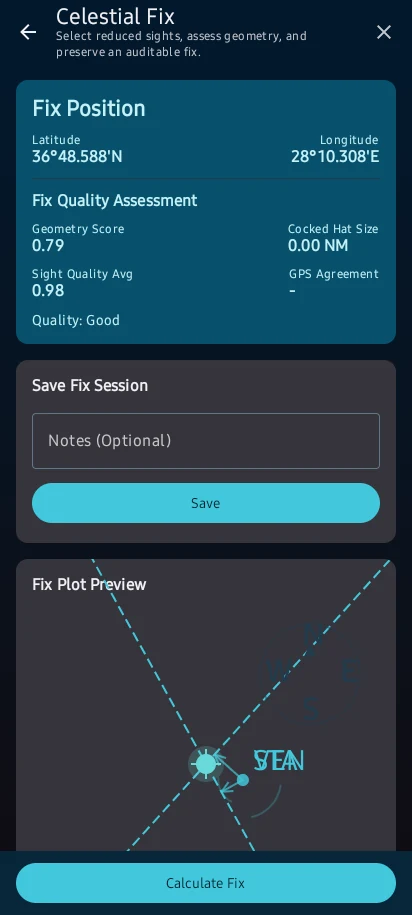
corrected Ho, computed Hc, intercept, Zn and line of position are shown with the selected time and body; combine compatible sights for a fix.
Resolve time, body, ephemeris and input warnings before saving. Cross-check with the current official nautical almanac and established procedures.
See the main screens
01
Celestial → New Observation; prepare UTC, DR position, selected body and current sextant/environment inputs.
02
Enter sextant altitude, index correction, height of eye, pressure and temperature; use a clearly labelled example sight.
03
corrected Ho, computed Hc, intercept, Zn and line of position are shown with the selected time and body; combine compatible sights for a fix.
04
Resolve time, body, ephemeris and input warnings before saving. Cross-check with the current official nautical almanac and established procedures.
CaptainCalc is decision support. It never replaces approved stability data, loading computers, ECDIS, official publications, procedures or professional judgment.
Get CaptainCalc on Google Play
Freemium keeps essential online tools available with ads. Premium removes ads, raises limits and unlocks the complete offline professional workspace.