
STEP-BY-STEP GUIDE

Plan and monitor a voyage

Create a voyage or template, add departure, destination and waypoints, review route distance and ETA, then prepare a compatible offline map pack before leaving reliable coverage.

Before you start

Voyage → New Voyage; select the active vessel and use UTC consistently for the plan.
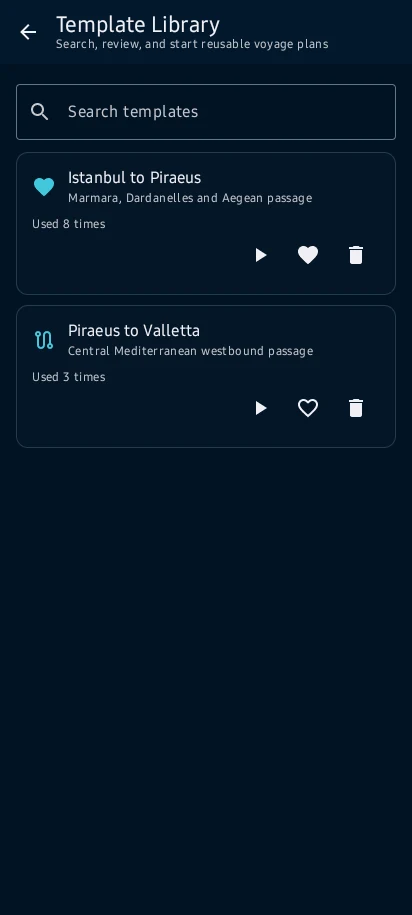
App steps

  1. Voyage → New Voyage; select the active vessel and use UTC consistently for the plan.
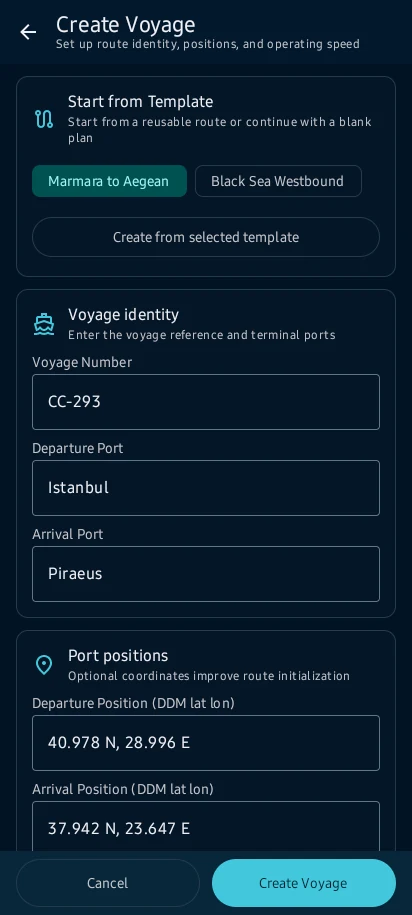
  2. For a example, enter Istanbul as departure, Piraeus as destination, a planned departure time, speed and reviewed waypoints.
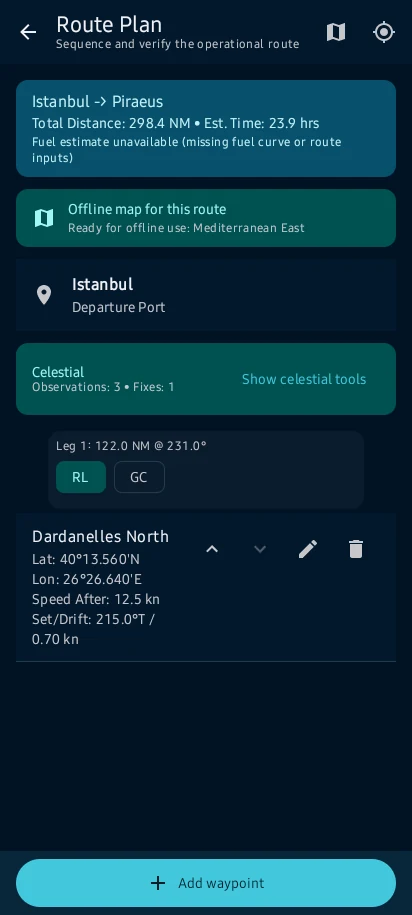
  3. the route, distance, planned ETA and progress context appear together; review every leg and map-source limitation.
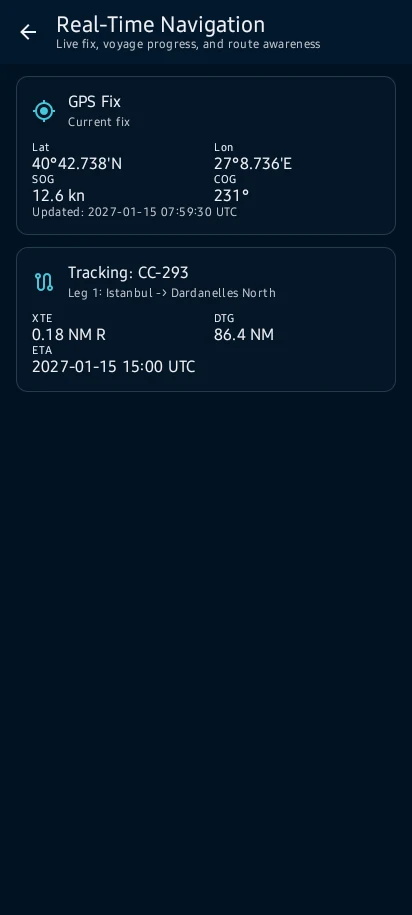
  4. Save the voyage only after resolving route warnings. Export GPX, KML, CSV or PDF only when that format is offered, then inspect the file.

See the main screens

01

Voyage → New Voyage; select the active vessel and use UTC consistently for the plan.
Plan and monitor a voyage: Voyage → New Voyage; select the active vessel and use UTC consistently for the plan.
02

For a example, enter Istanbul as departure, Piraeus as destination, a planned departure time, speed and reviewed waypoints.

Plan and monitor a voyage: For a example, enter Istanbul as departure, Piraeus as destination, a planned departure time, speed and reviewed waypoints.
03

the route, distance, planned ETA and progress context appear together; review every leg and map-source limitation.

Plan and monitor a voyage: the route, distance, planned ETA and progress context appear together; review every leg and map-source limitation.
04

Save the voyage only after resolving route warnings. Export GPX, KML, CSV or PDF only when that format is offered, then inspect the file.

Plan and monitor a voyage: Save the voyage only after resolving route warnings. Export GPX, KML, CSV or PDF only when that format is offered, then inspect the file.

Practical learning and web tools

What you'll see

Save the voyage only after resolving route warnings. Export GPX, KML, CSV or PDF only when that format is offered, then inspect the file.

CaptainCalc is decision support. It never replaces approved stability data, loading computers, ECDIS, official publications, procedures or professional judgment.

Get CaptainCalc on Google Play

Freemium keeps essential online tools available with ads. Premium removes ads, raises limits and unlocks the complete offline professional workspace.

Get it on Google Play